
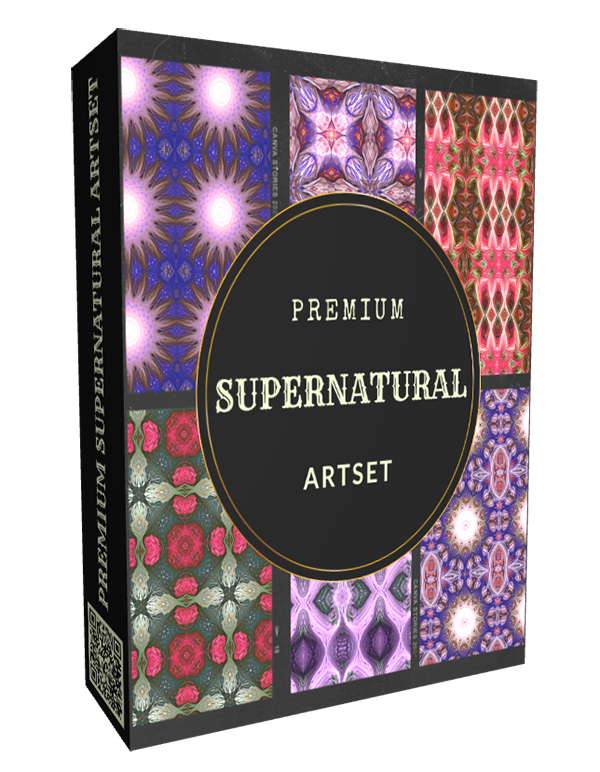
|
NEW PREMIUM: SUPERNATURAL ARTSET ✔ Specialized supernatural pattern and tile generating artset ✔ 59 unique design brushes ✔ 1 special extra brush (Pro Clip Fill) that makes it easy to fill any size canvas with your unique tile pattern ✔ Create standalone designs or tiles ✔ Easy creation of repetitive patterns ✔ Compatible with TwistedBrush Pro Studio v26.05 or later and Paint Studio v5.05 or later
|
Premium: Supernatural Artset
The Premium: Supernatural Artset is a collection of 60 design brushes that can create endless options of supernatural-themed patterns and tiled backgrounds. This set allows artists to explore unique designs and seamlessly integrate them into their digital artwork. Their unique properties allow for the creation of patterns that interlock with hypnotic symmetry and vibrant interplay of color, providing a canvas for you to build upon with ease.
The Premium: Supernatural Artset is a collection of 60 design brushes that can create endless options of supernatural-themed patterns and tiled backgrounds. This set allows artists to explore unique designs and seamlessly integrate them into their digital artwork. Their unique properties allow for the creation of patterns that interlock with hypnotic symmetry and vibrant interplay of color, providing a canvas for you to build upon with ease.
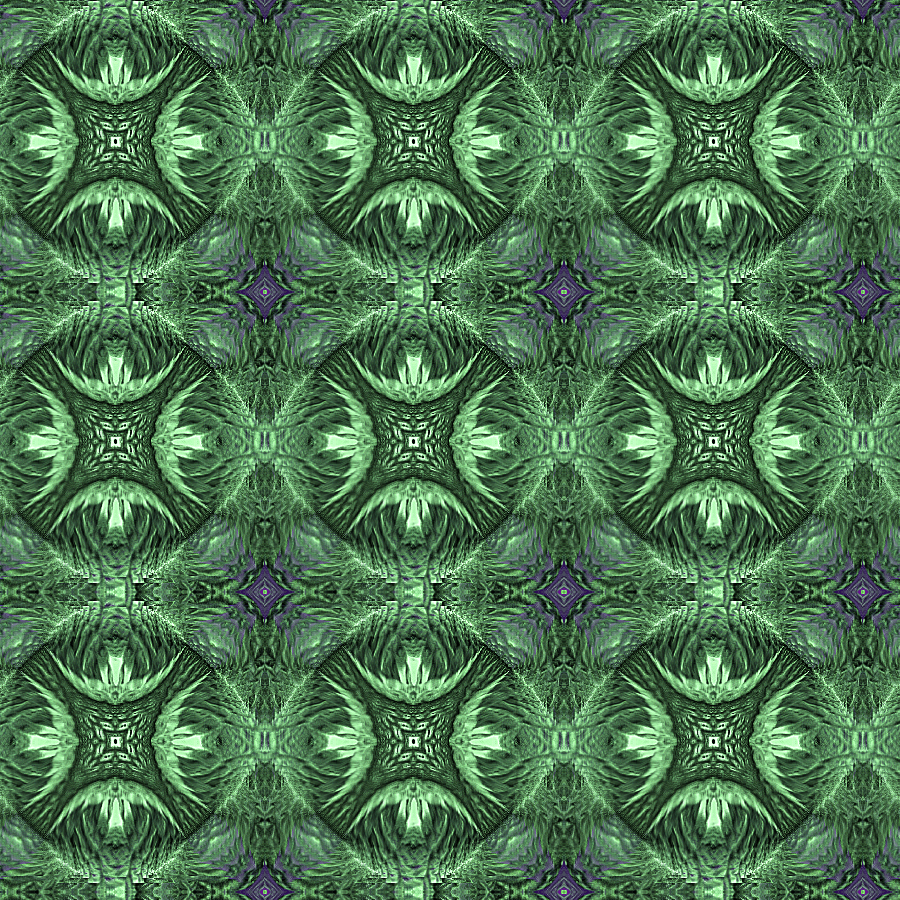
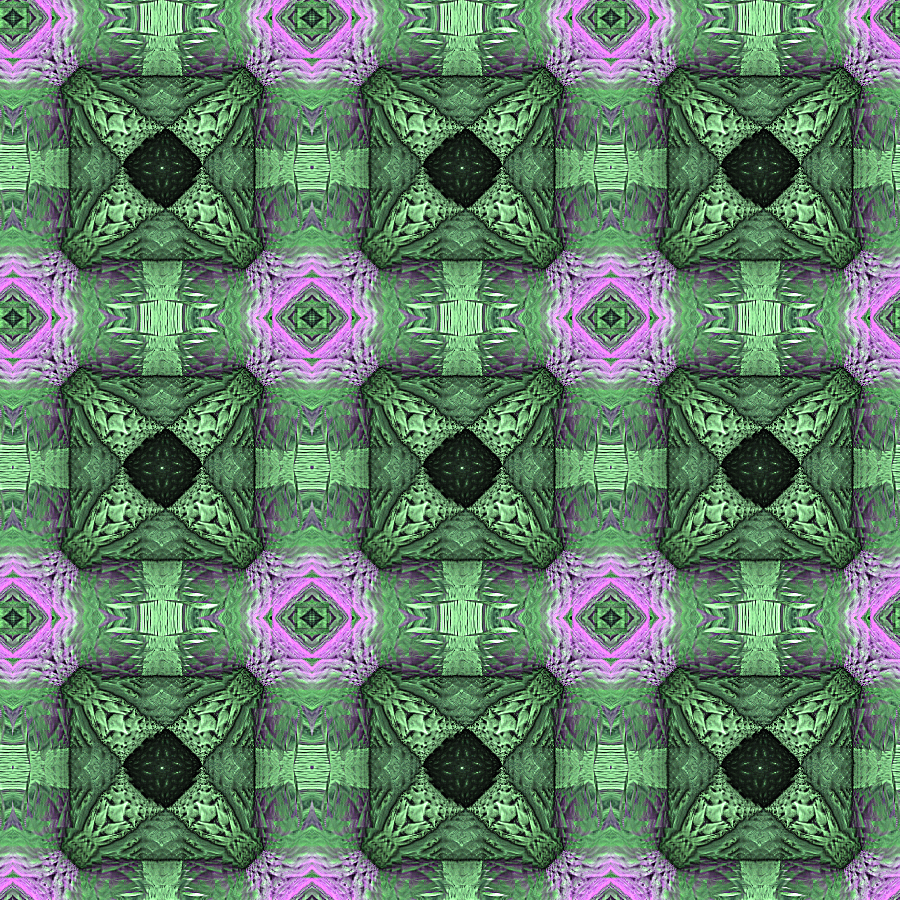
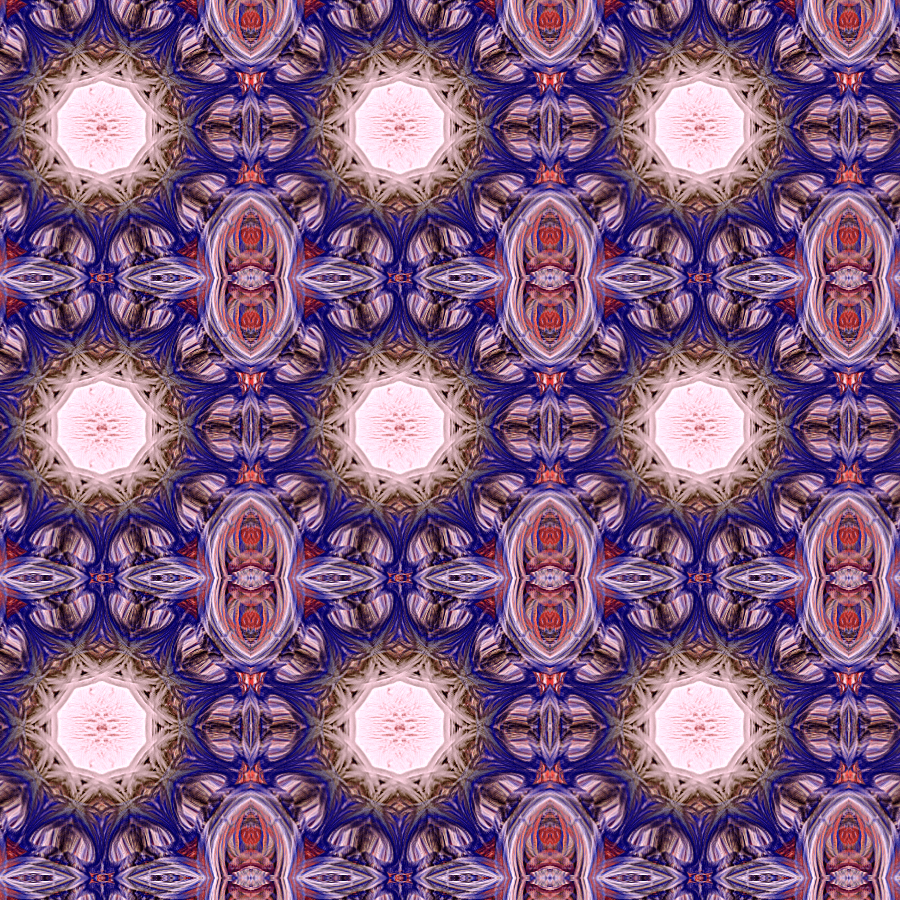
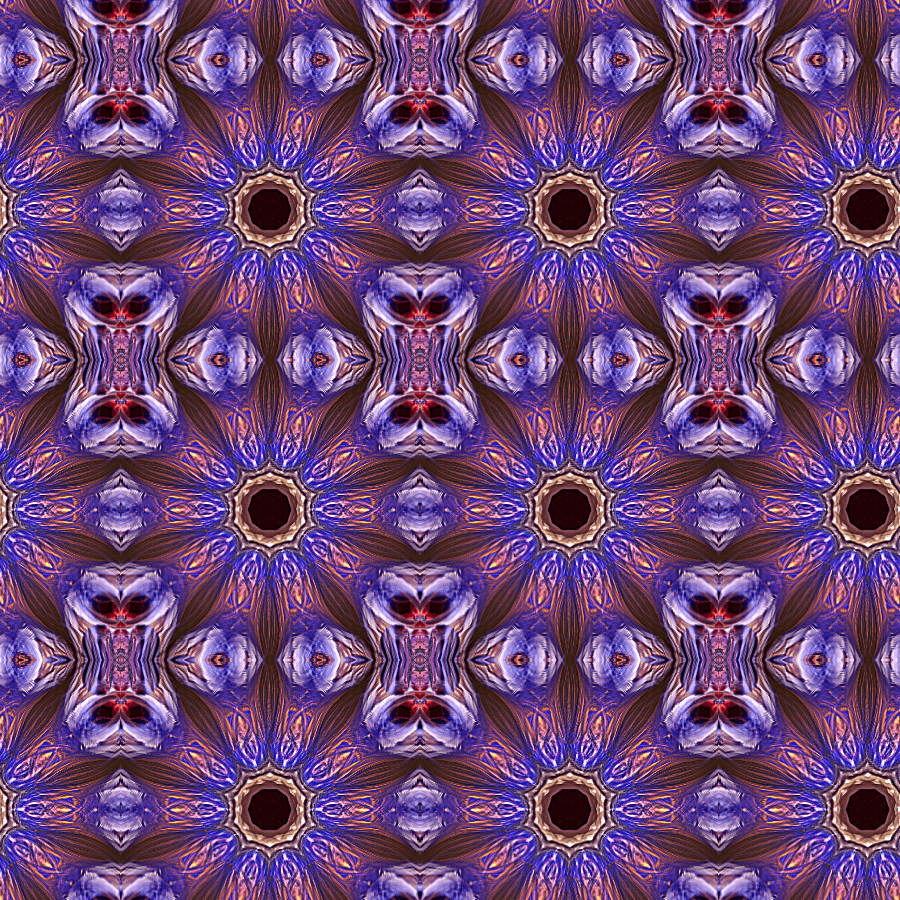
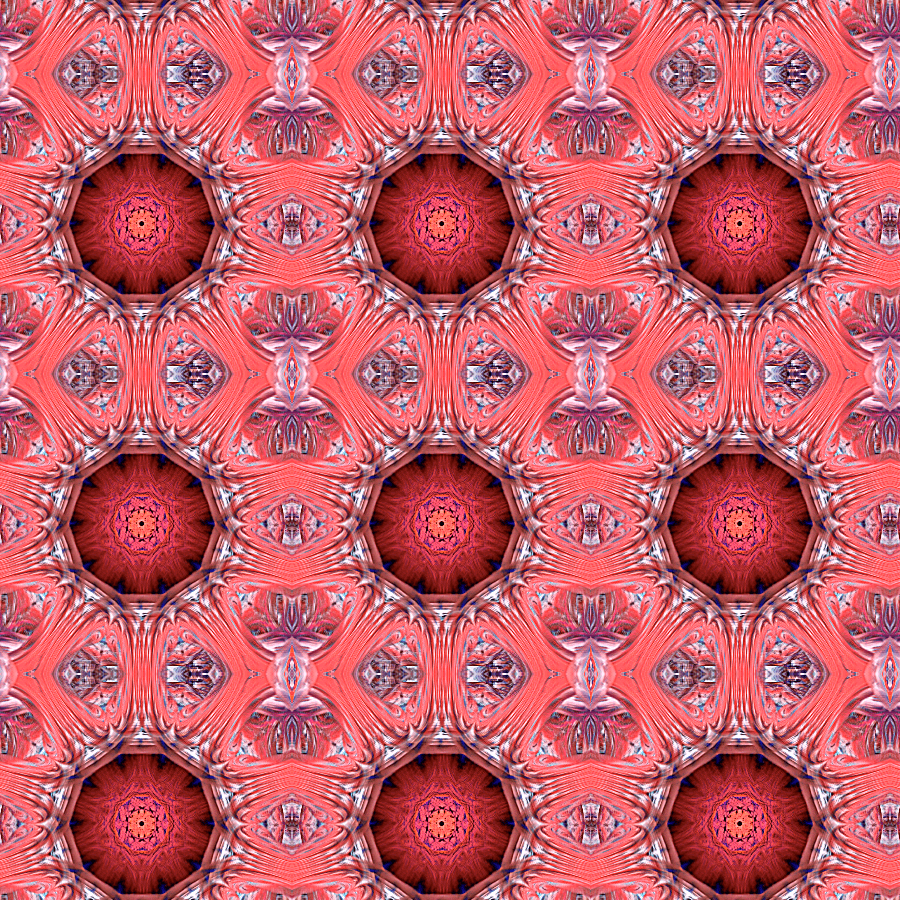
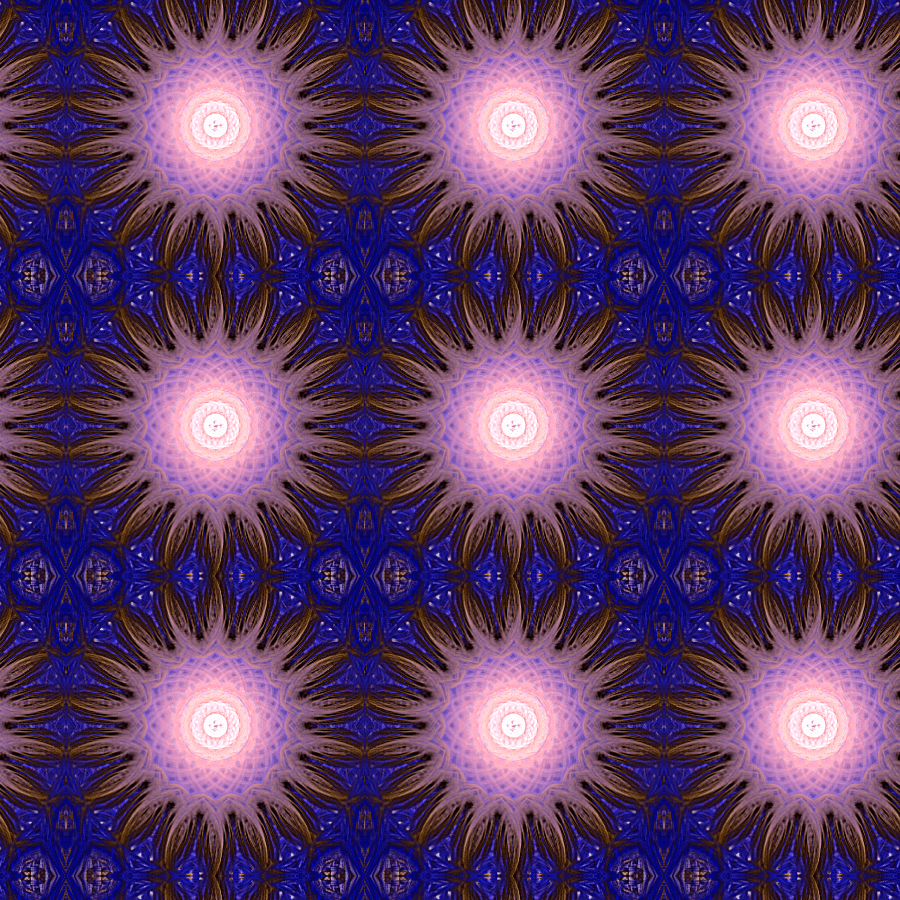
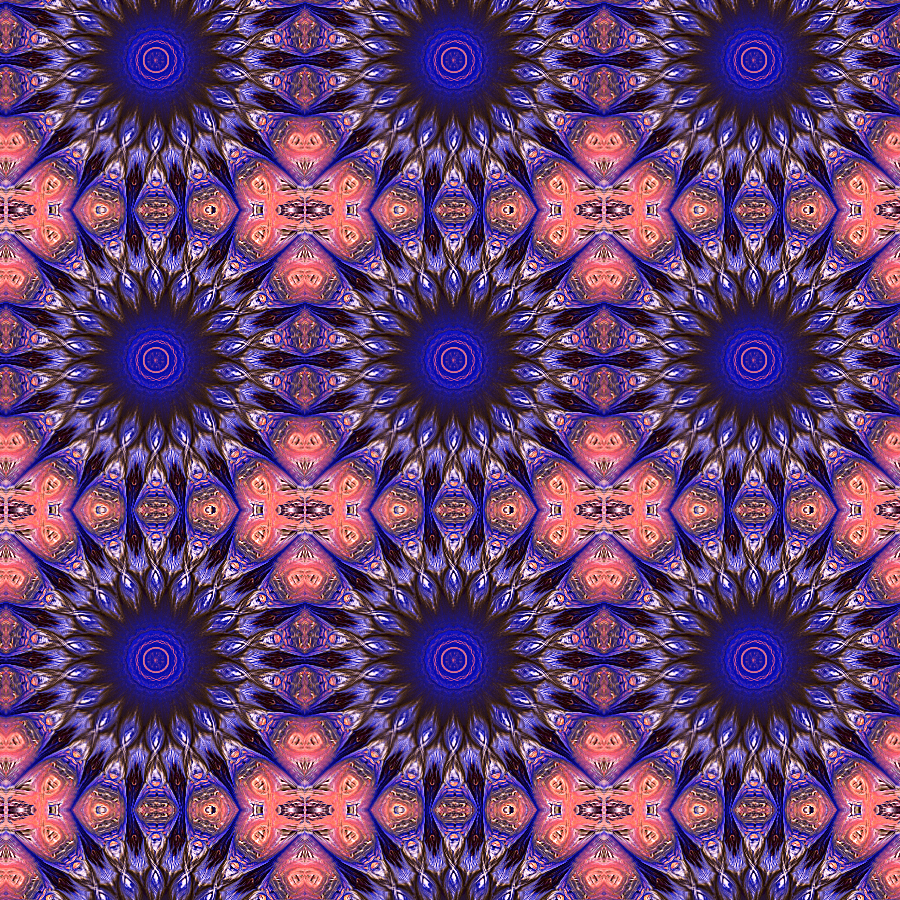
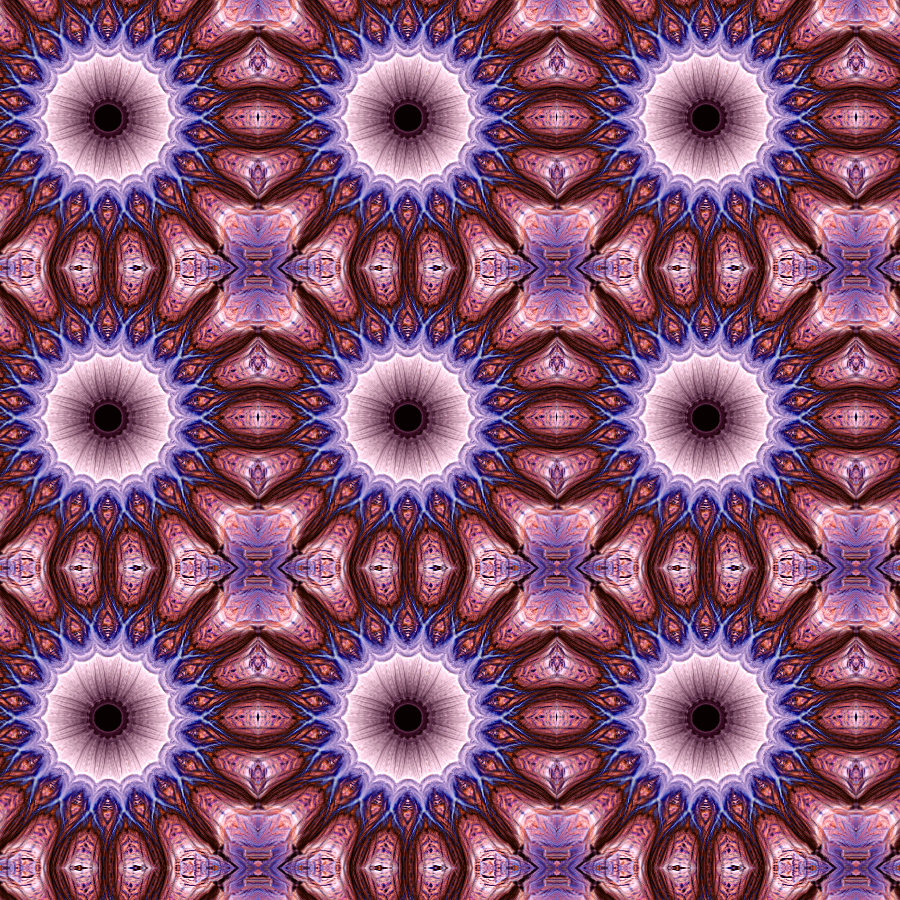
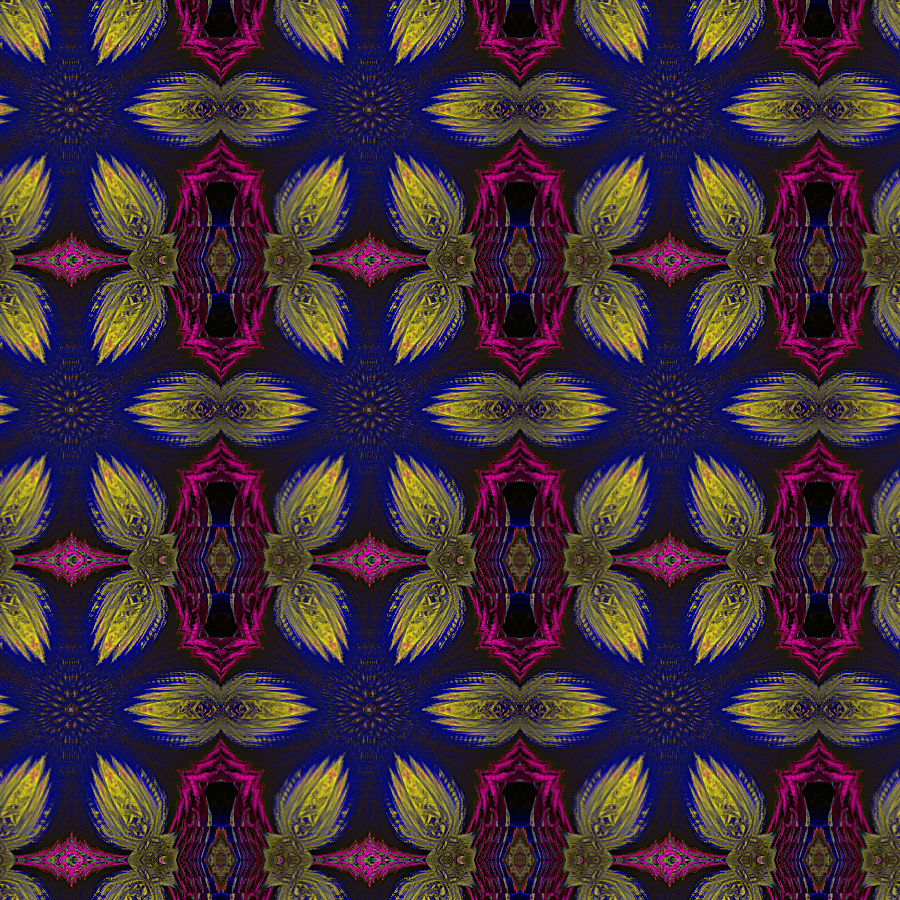
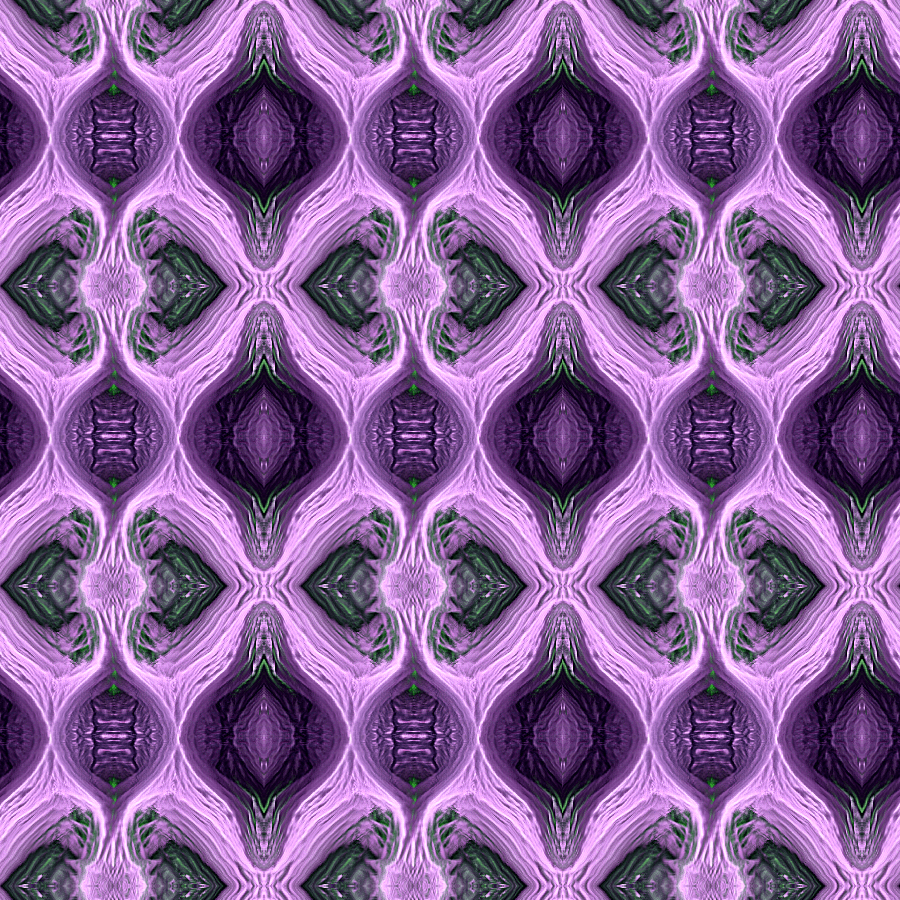
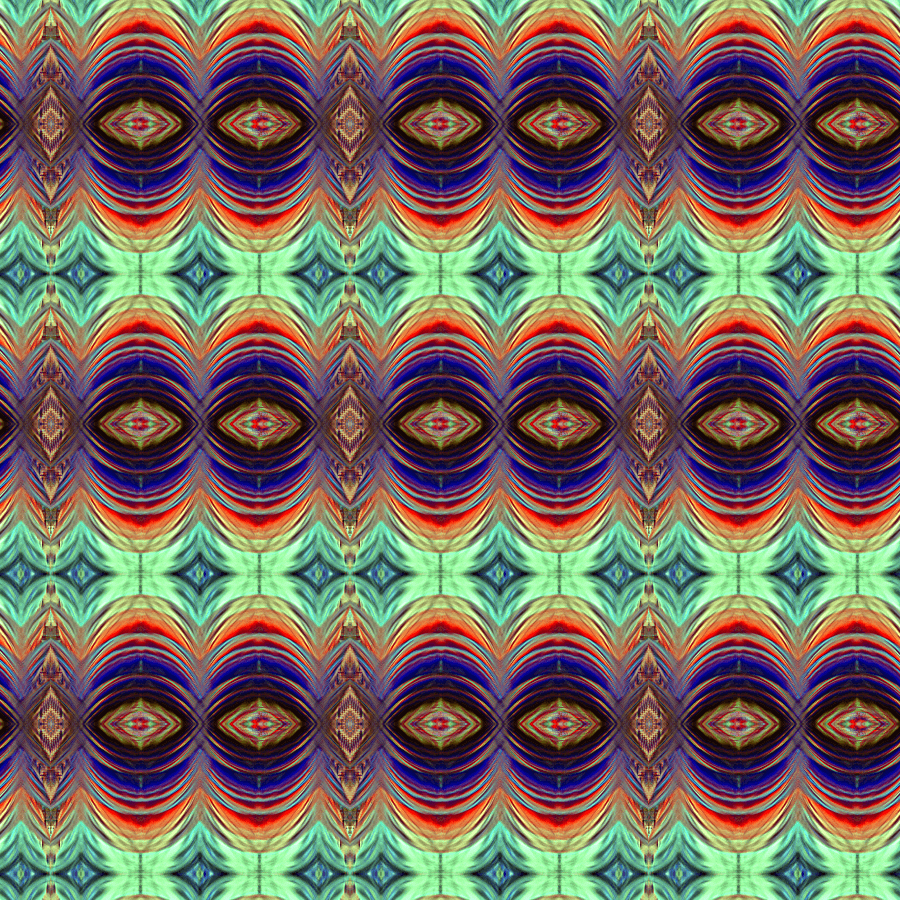
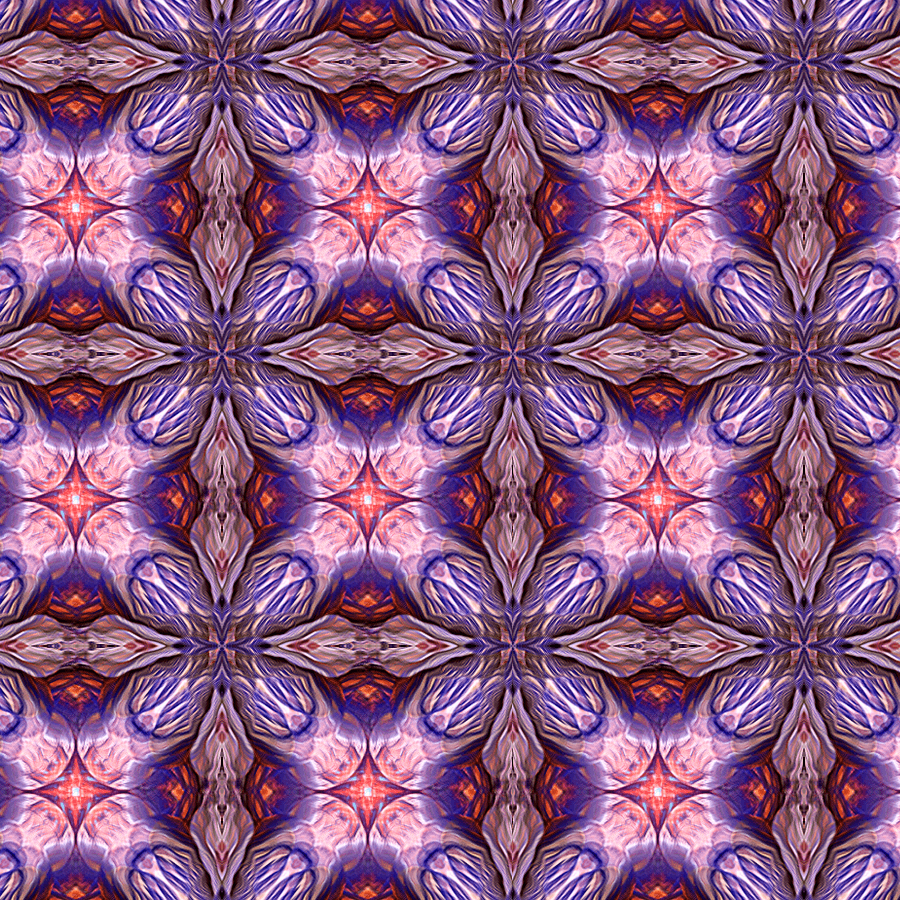
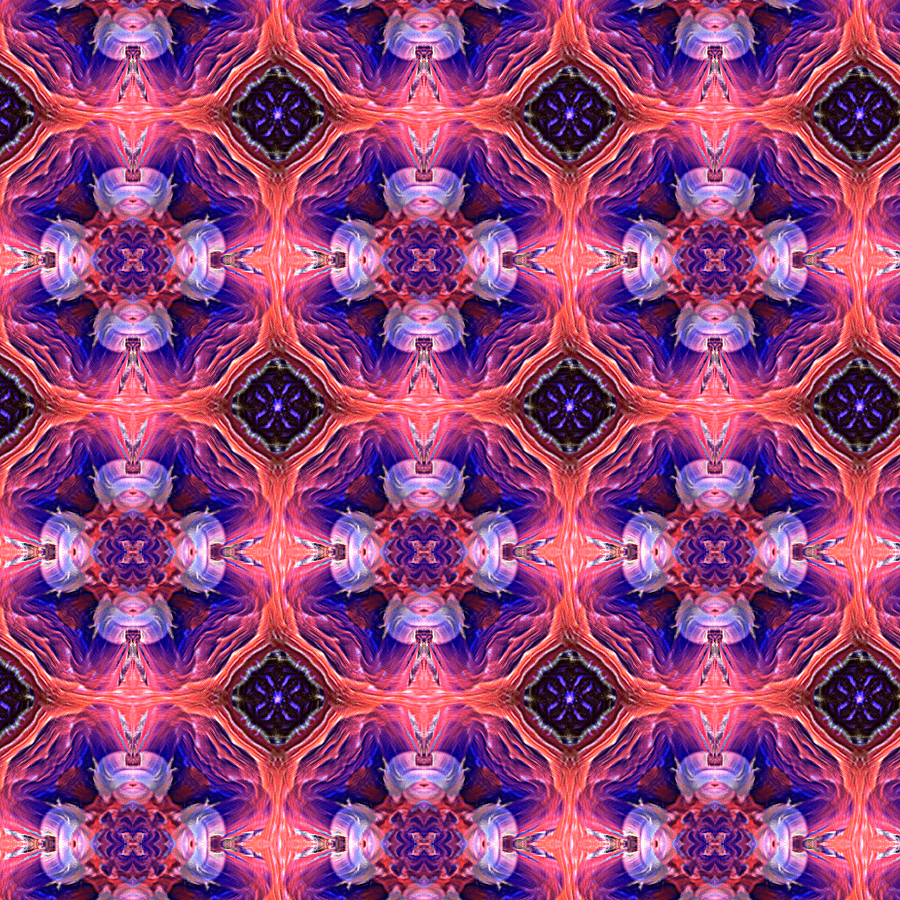
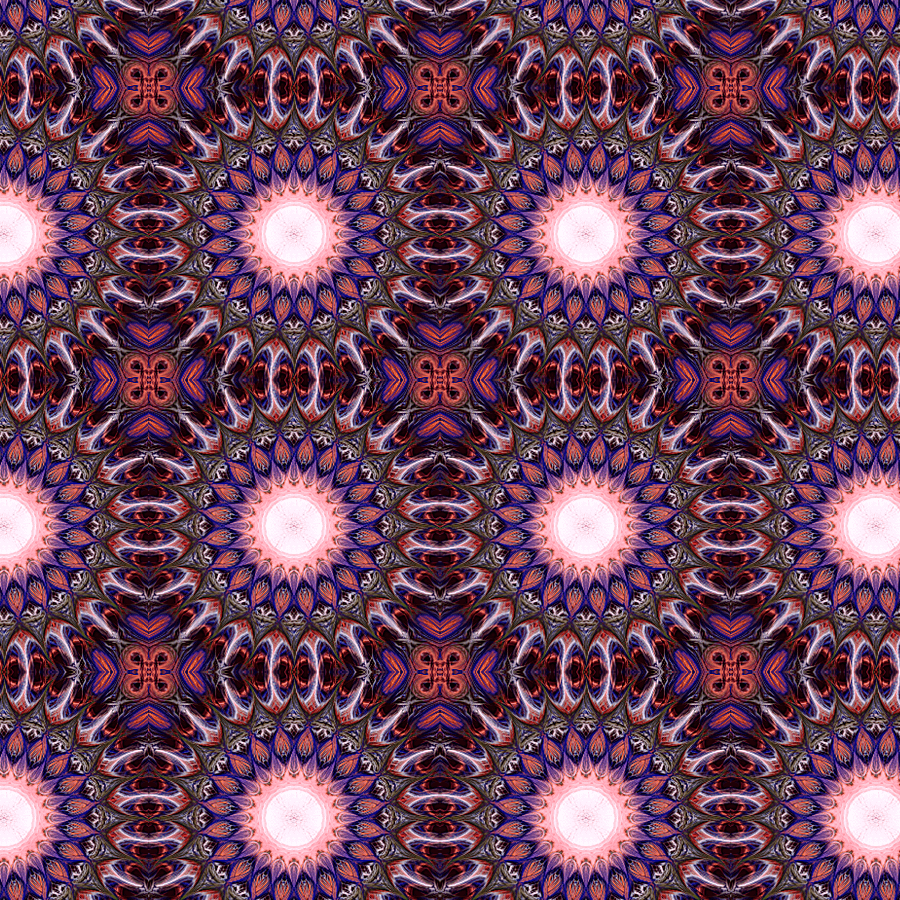
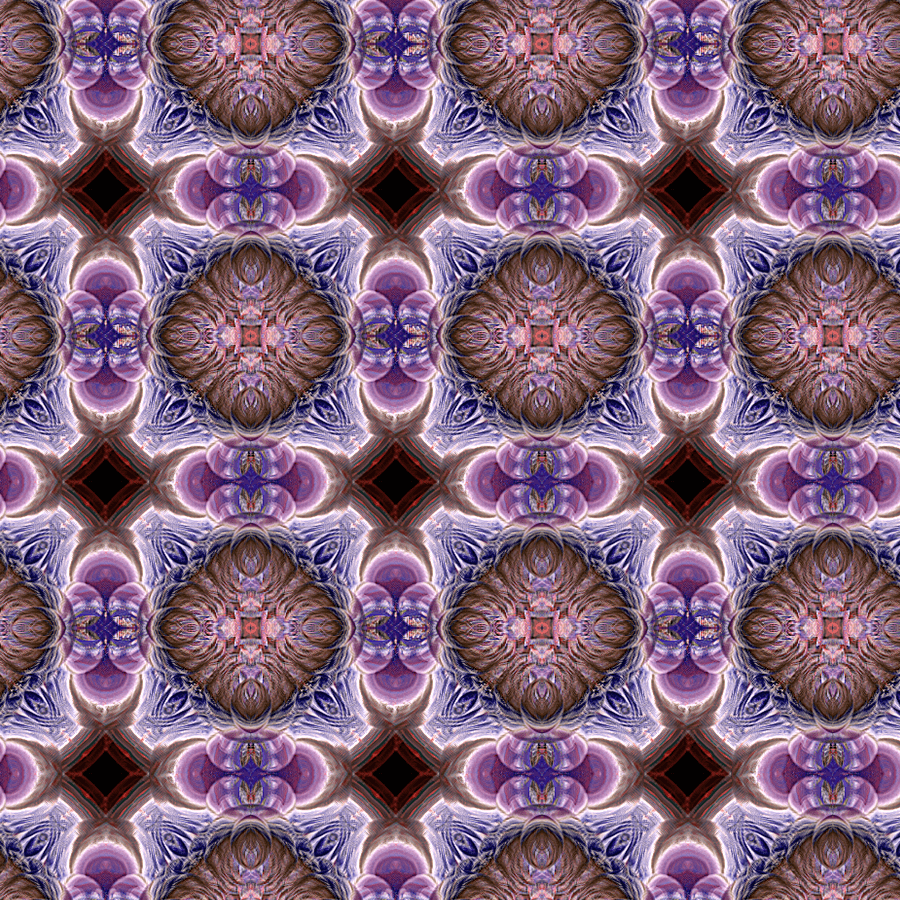
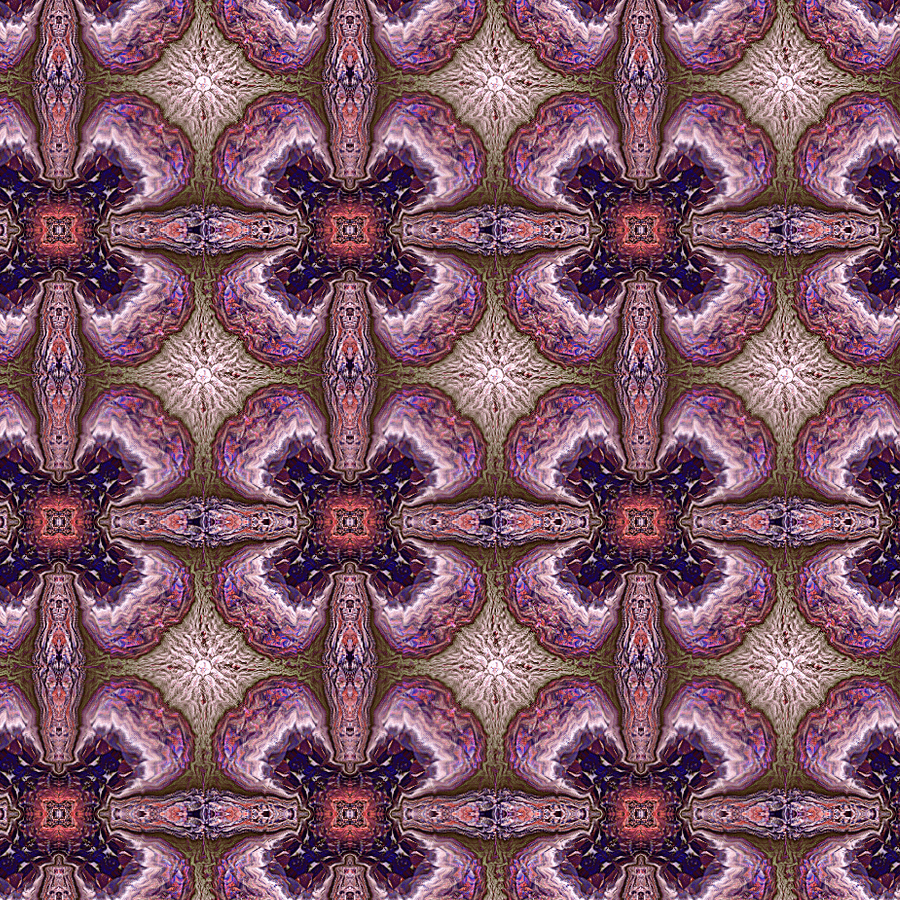
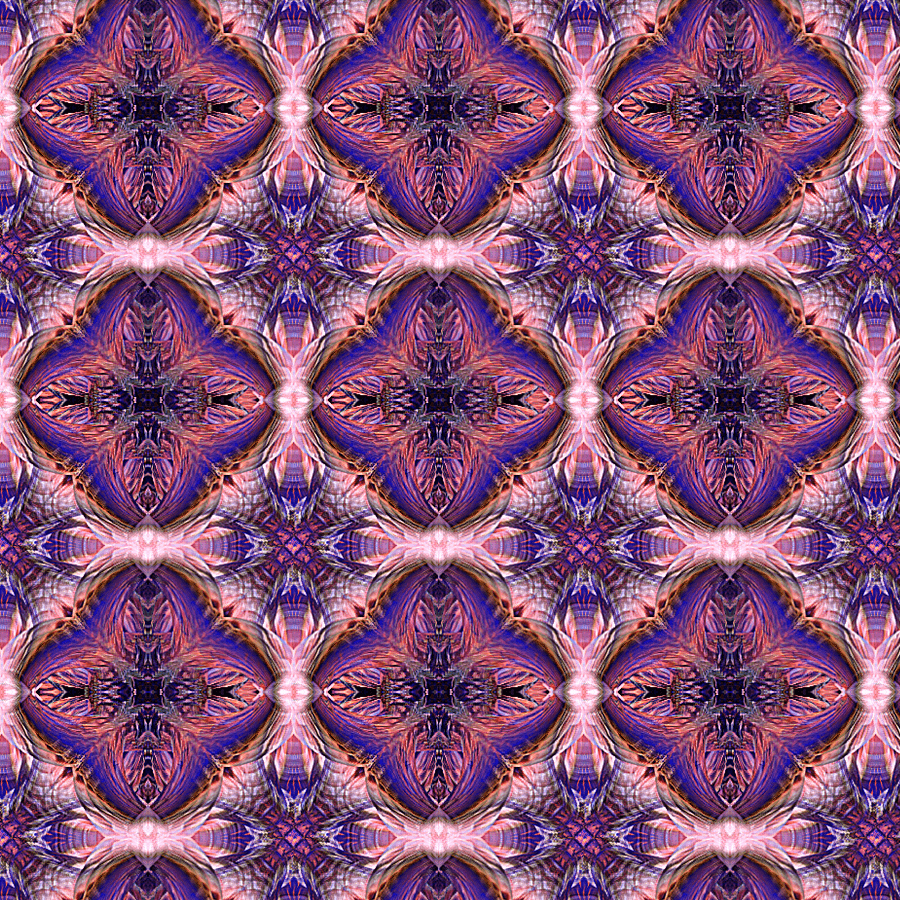
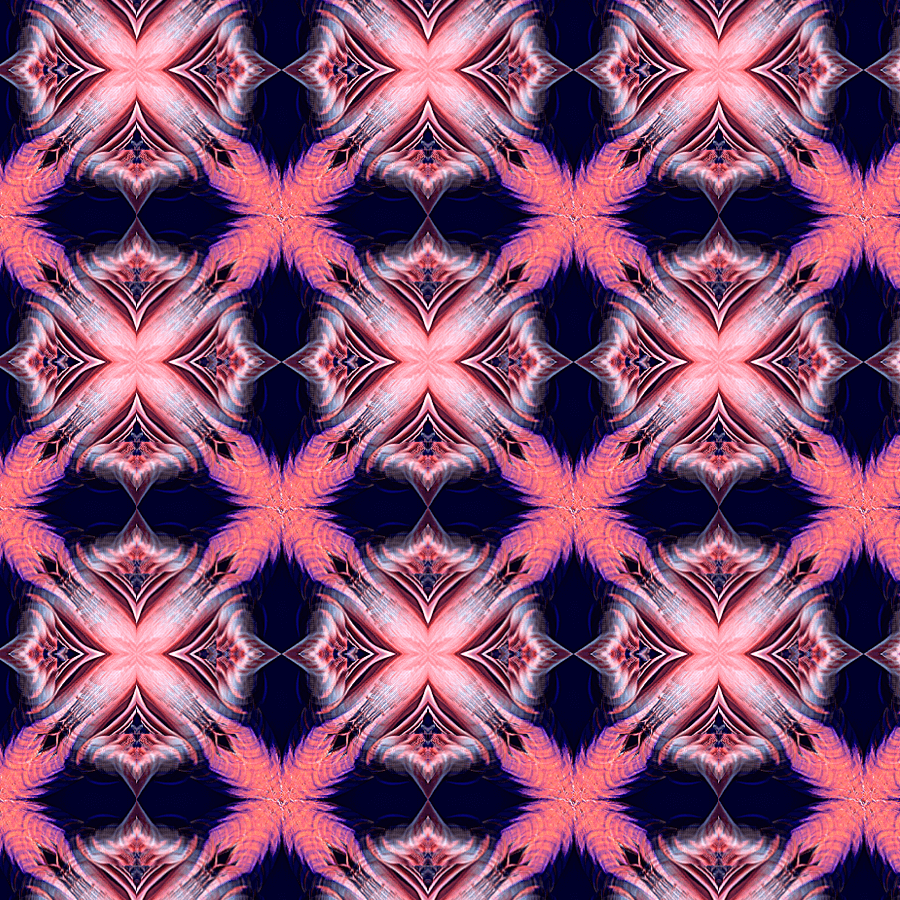
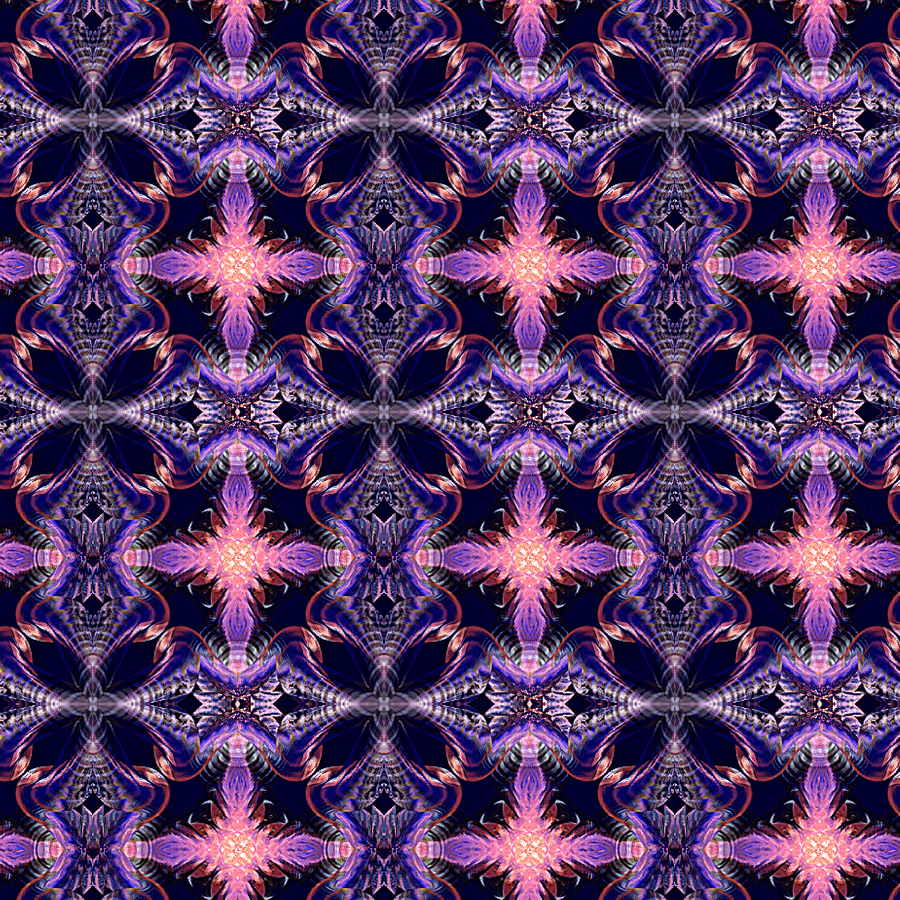
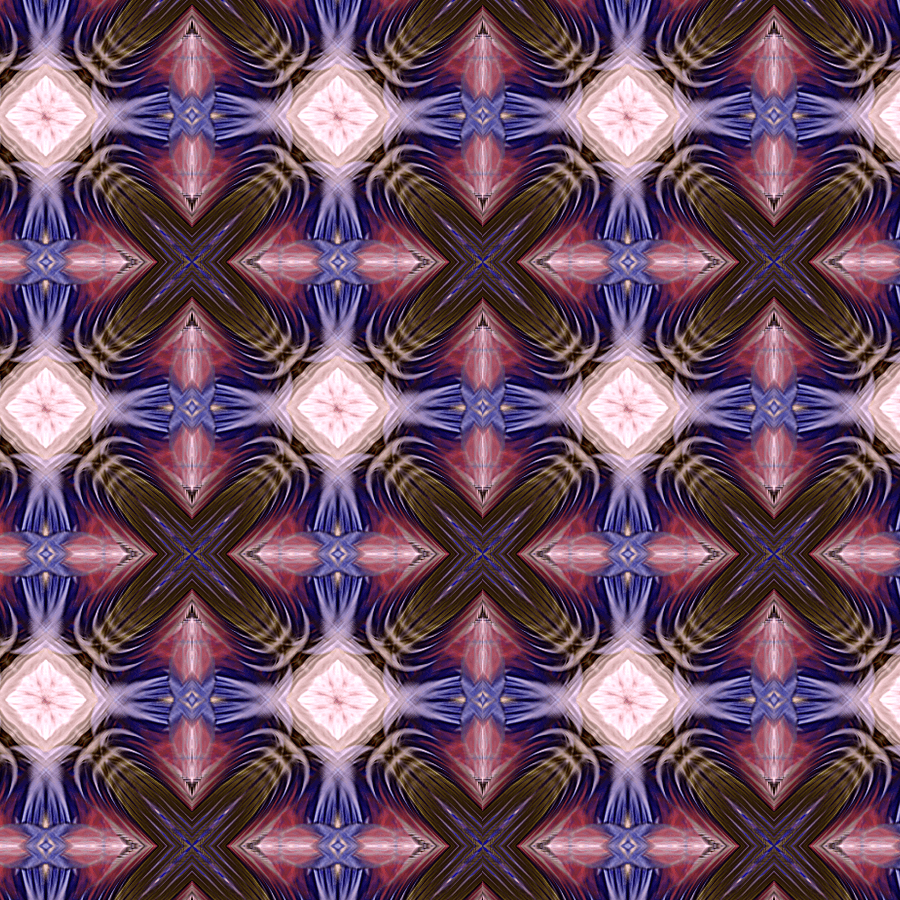
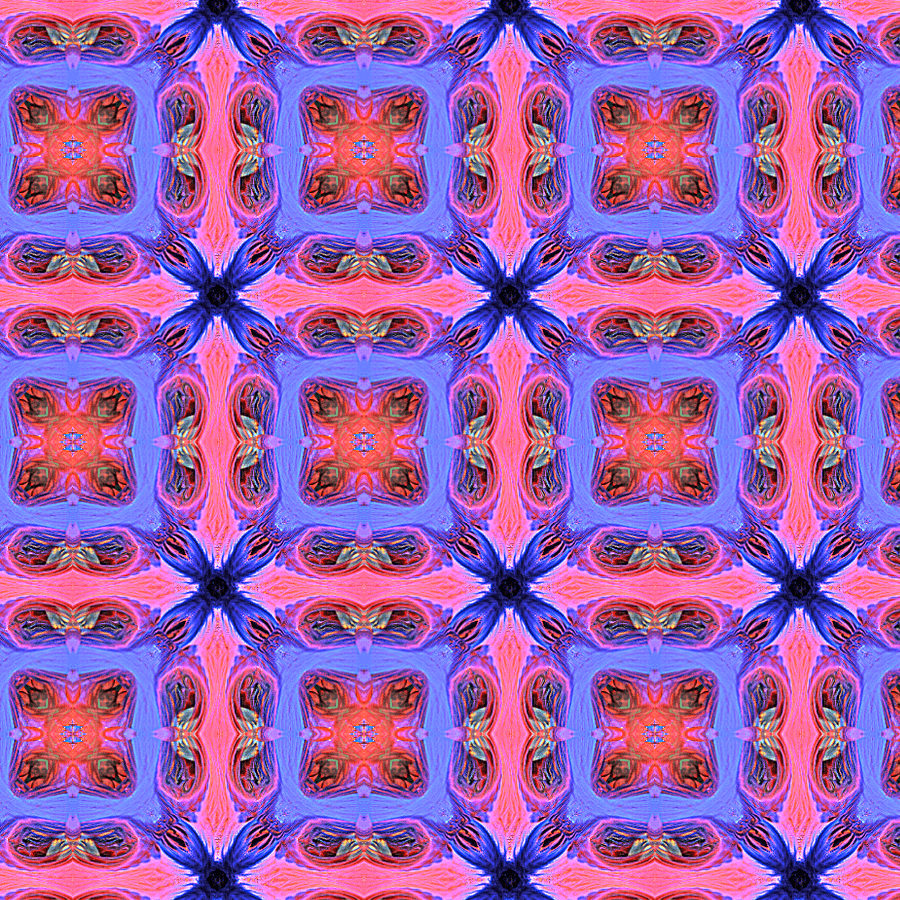
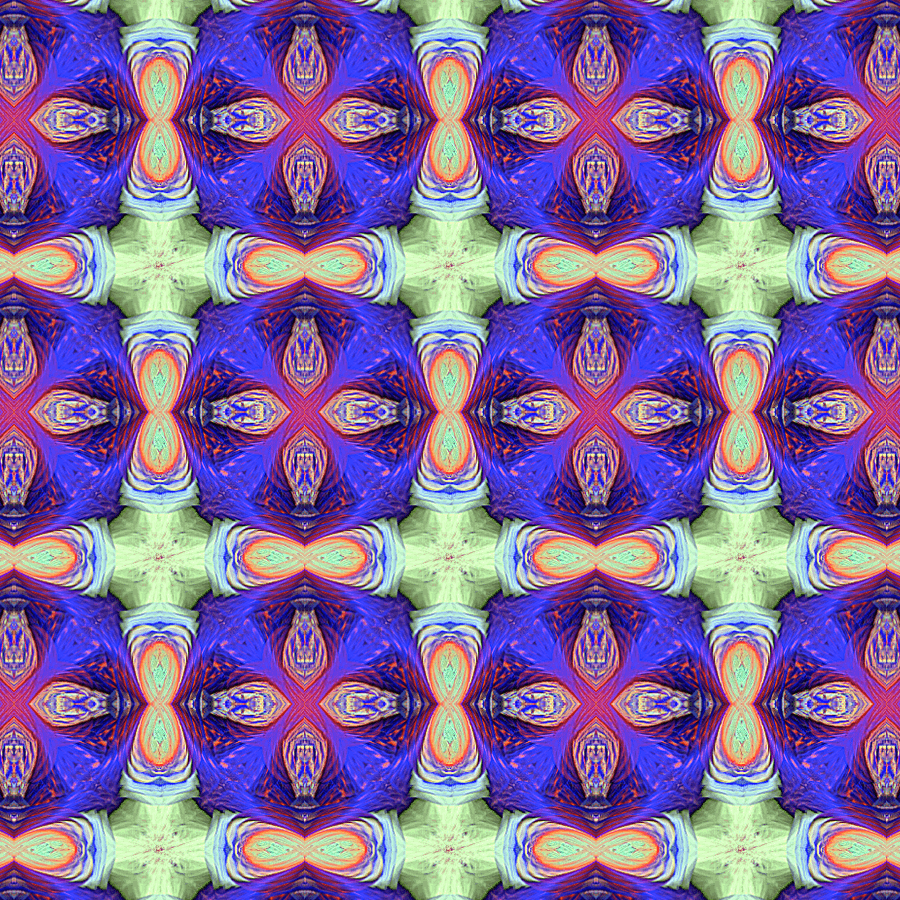
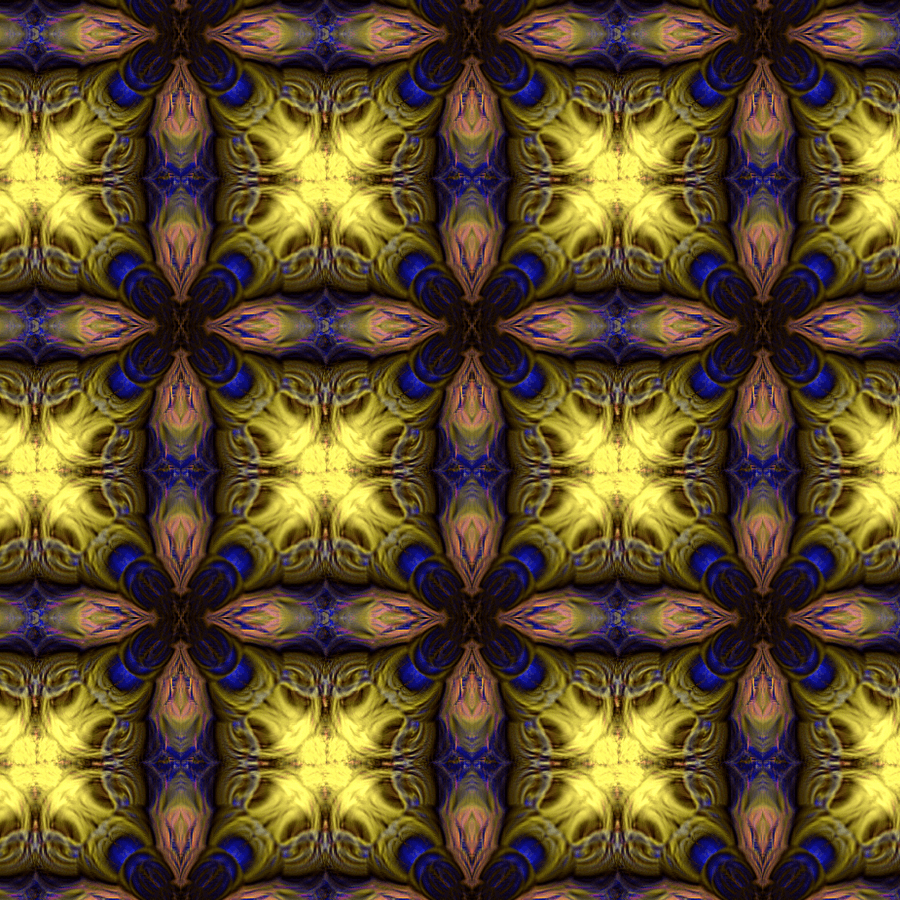
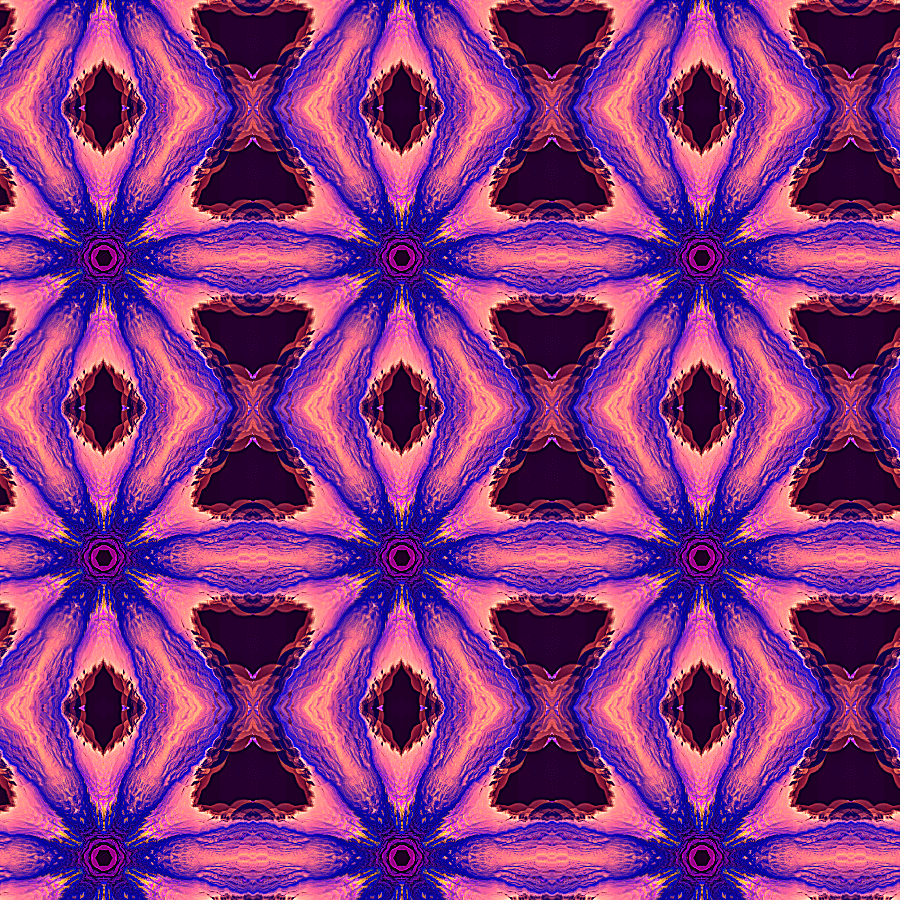
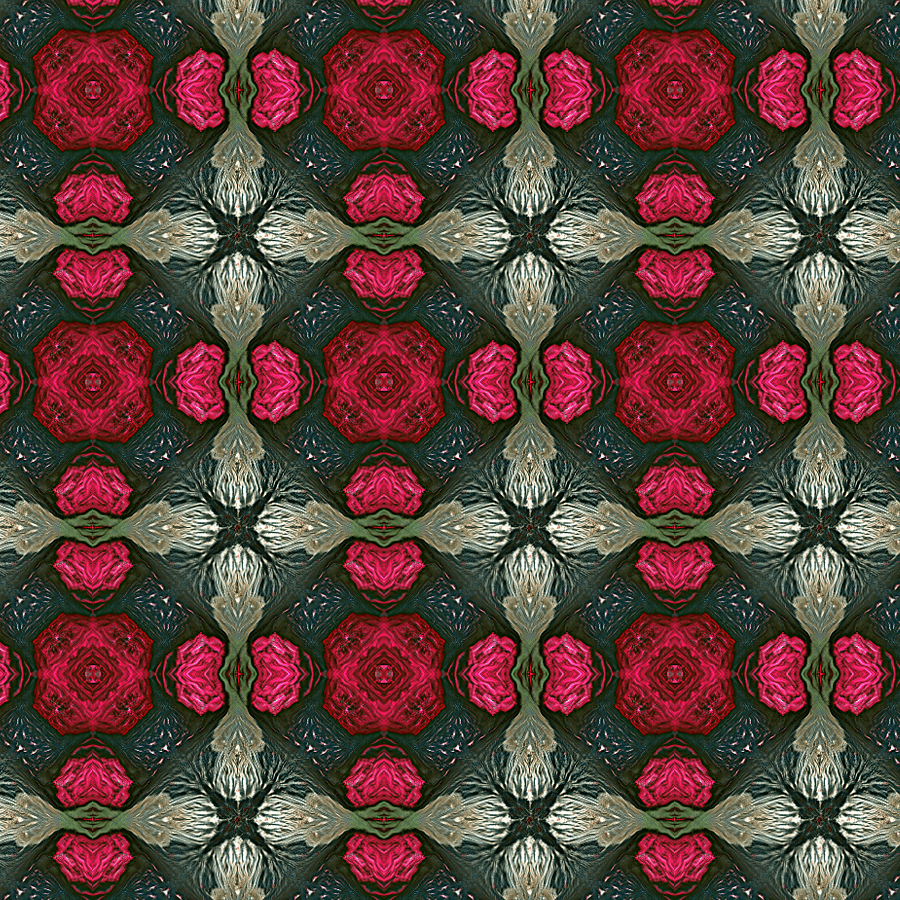
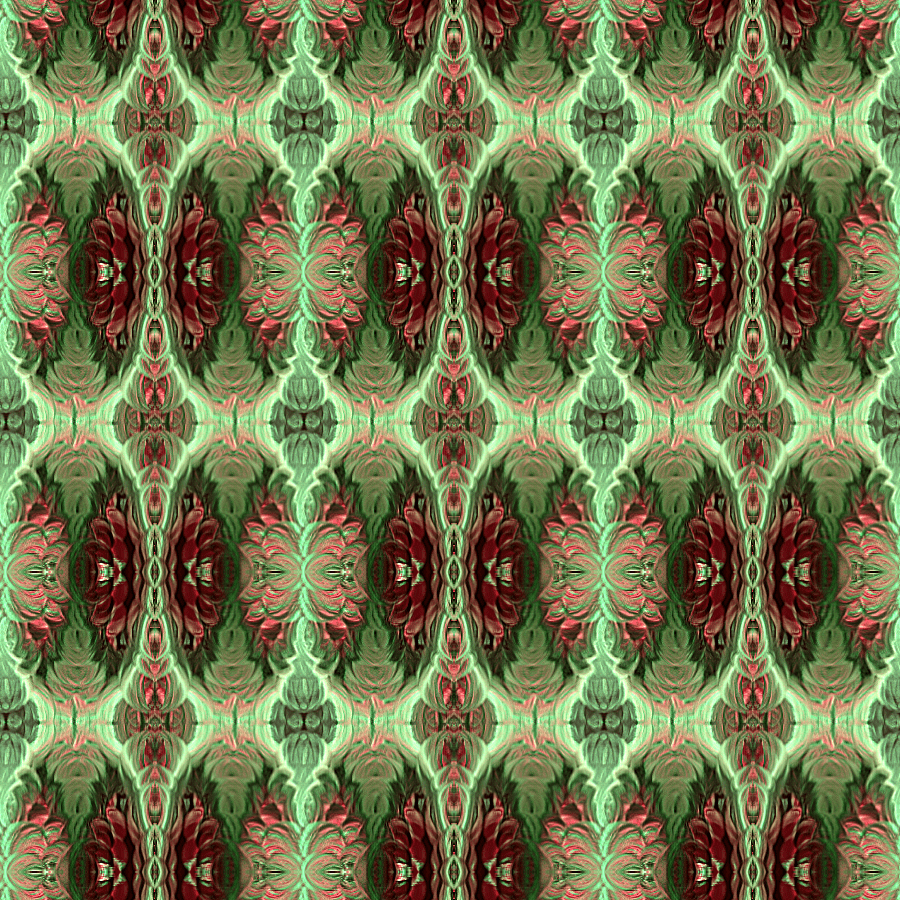
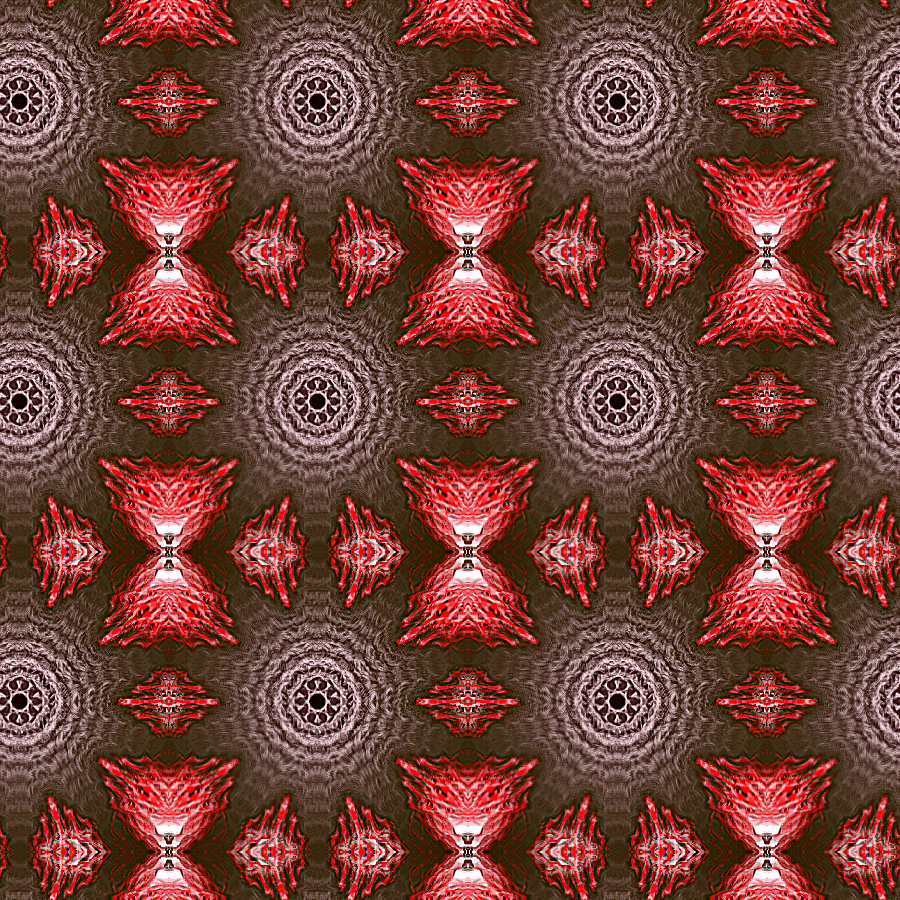
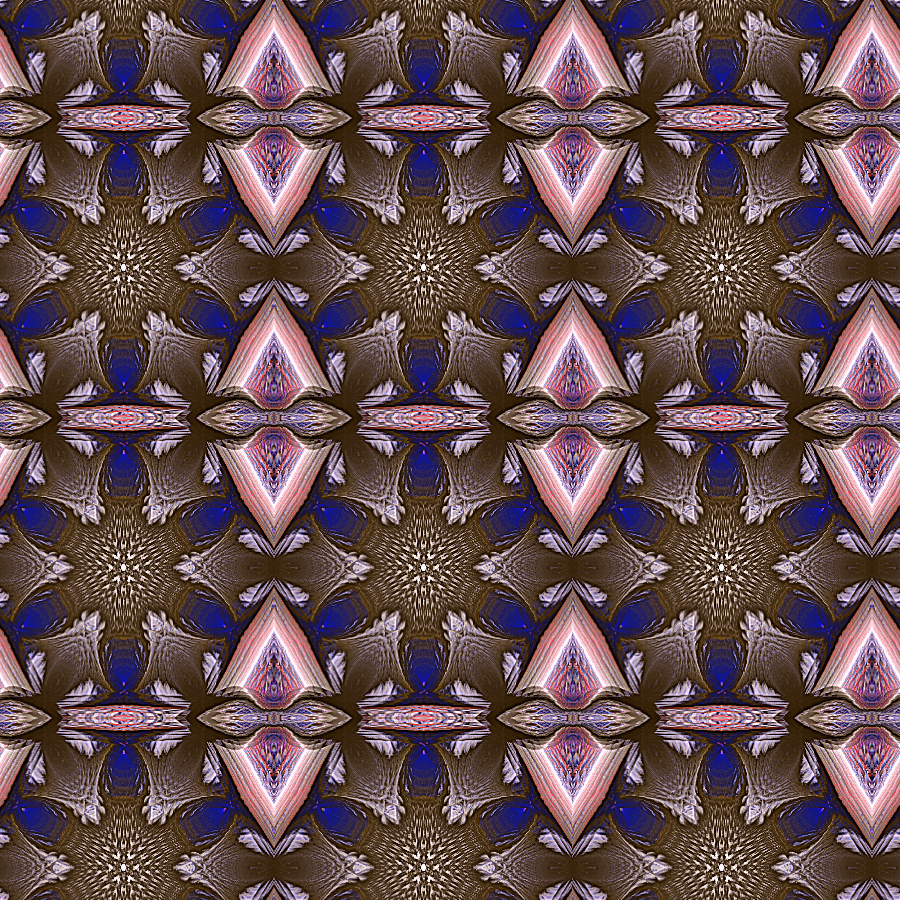
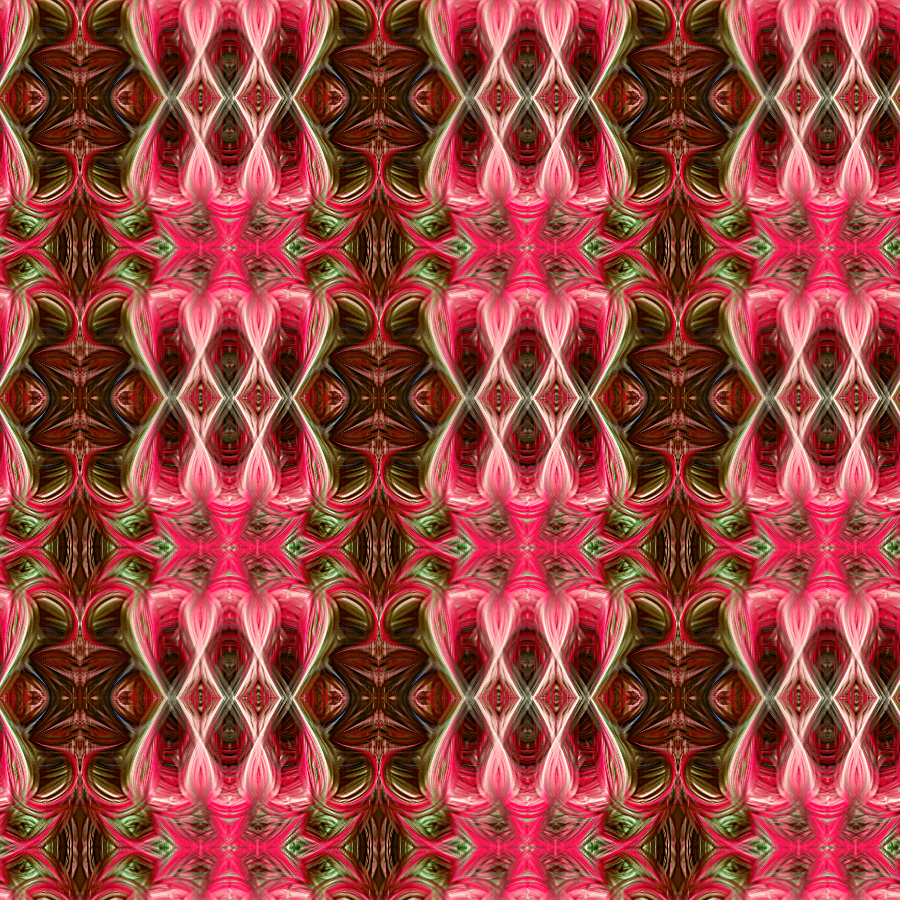
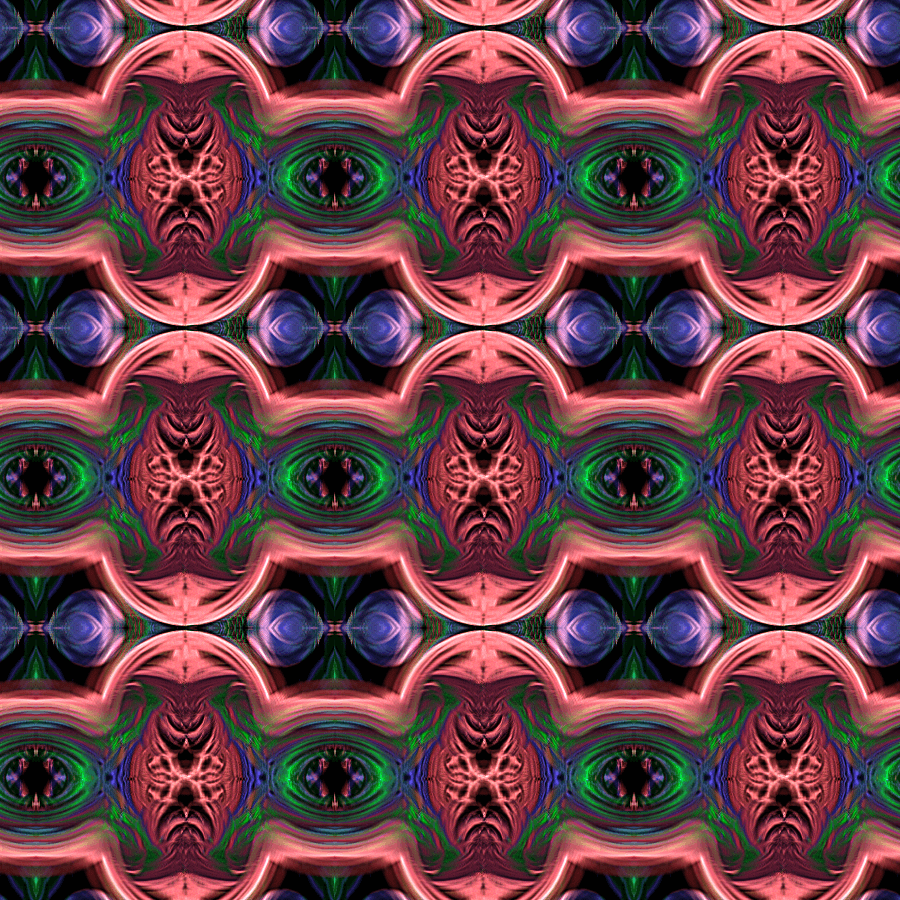
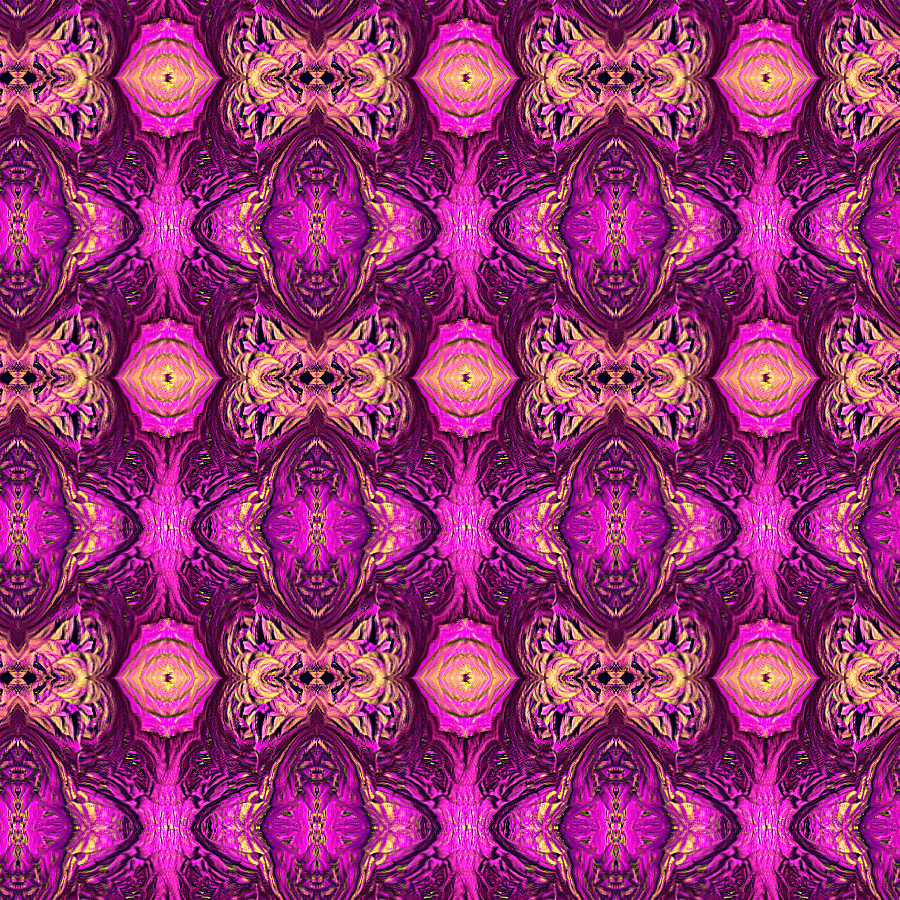
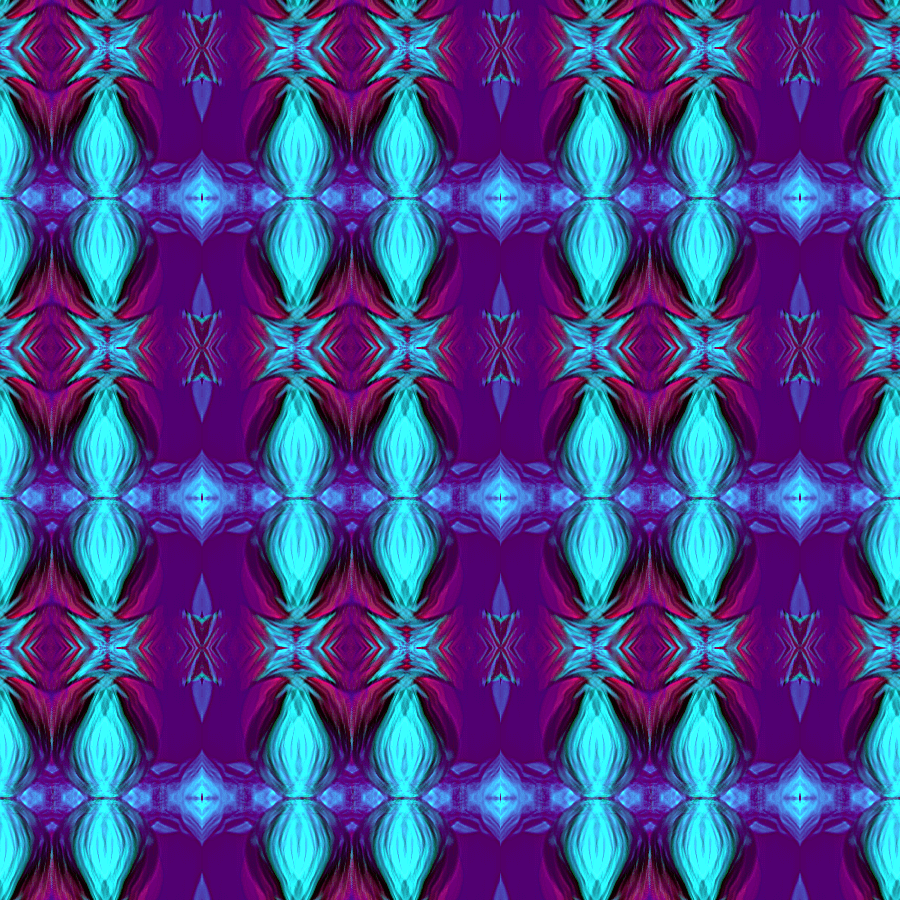
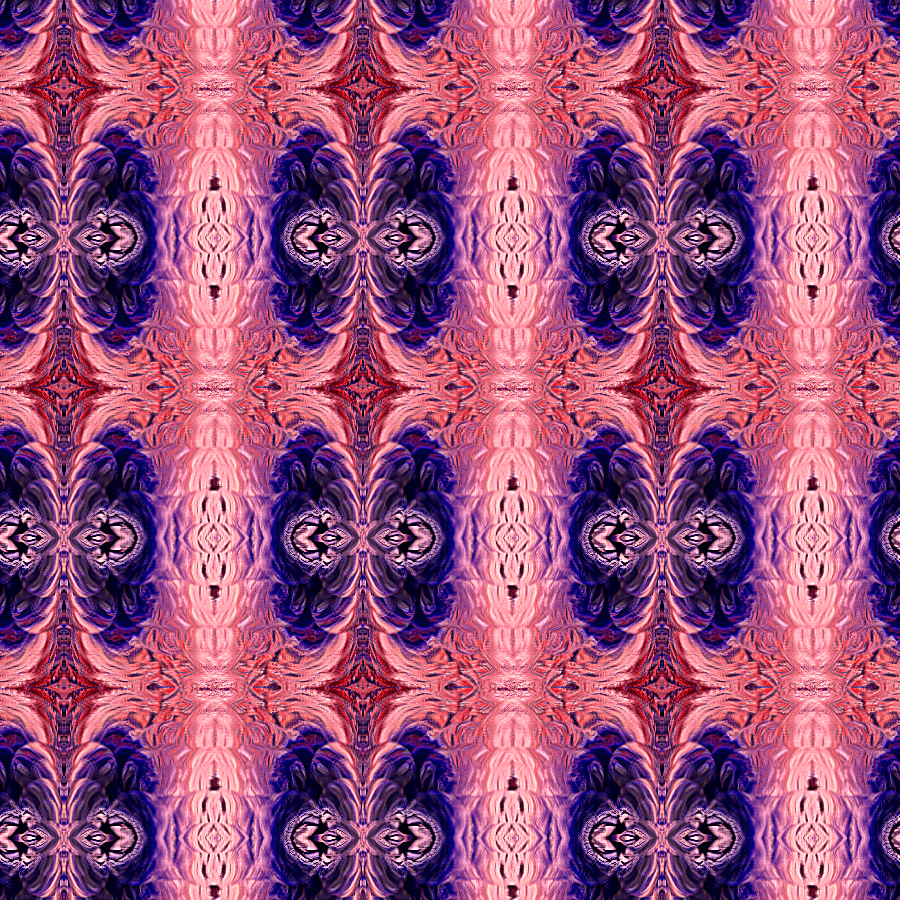
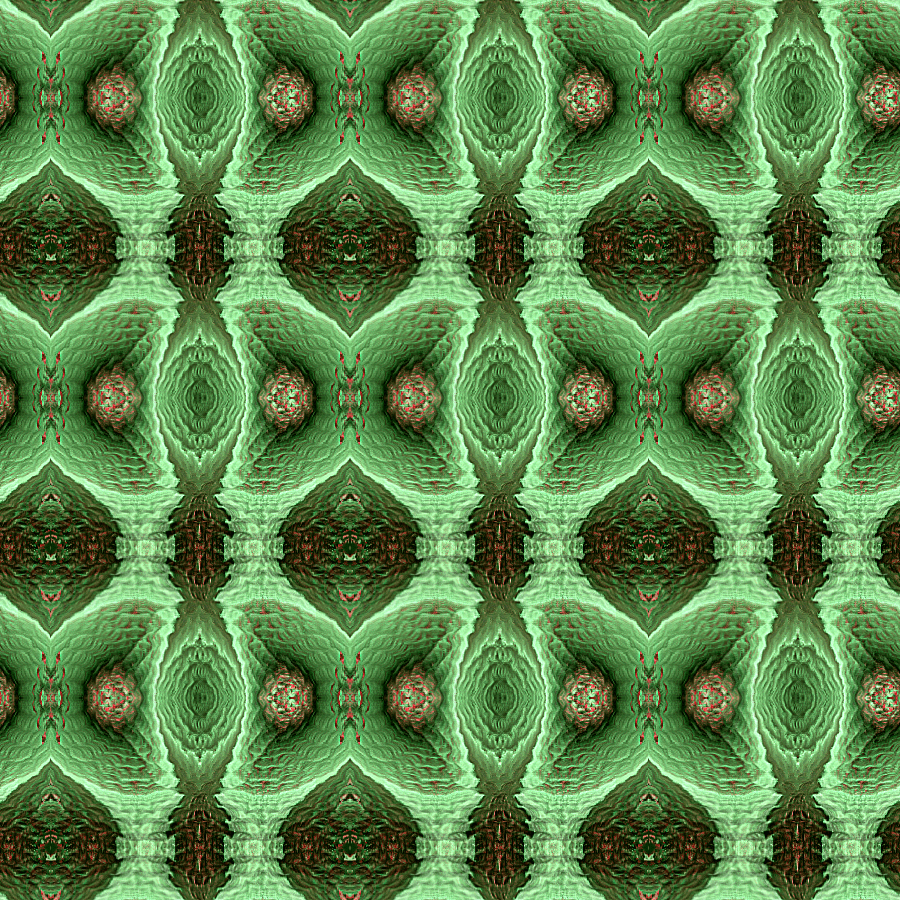
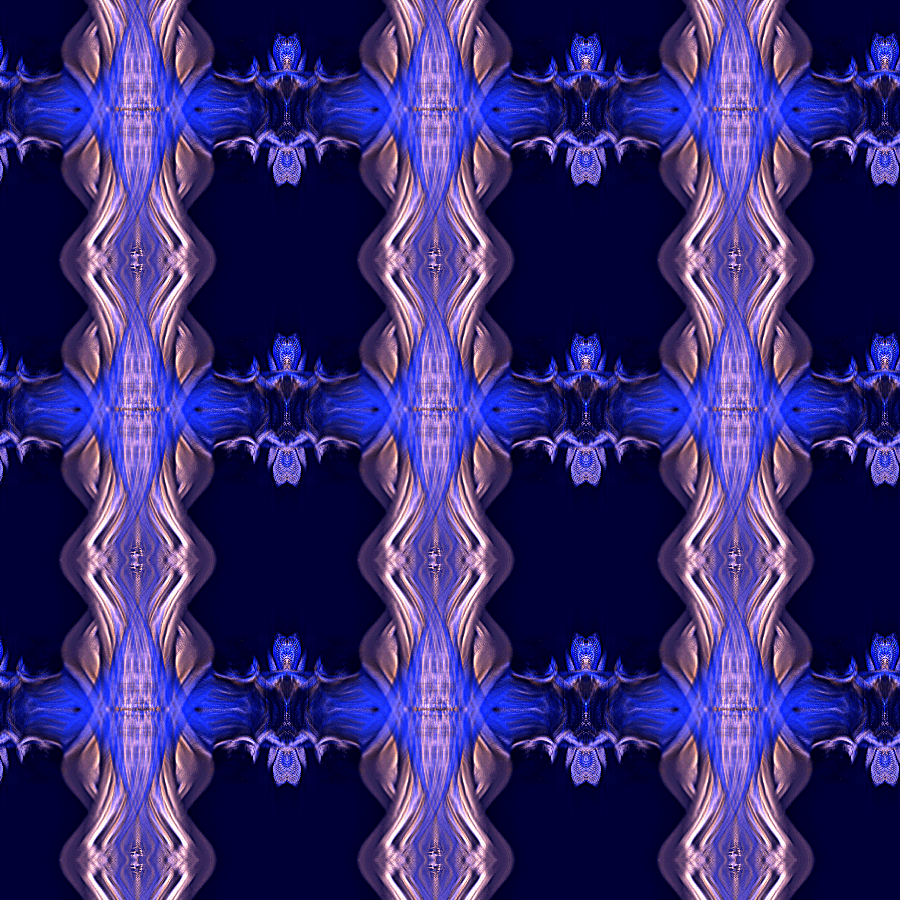
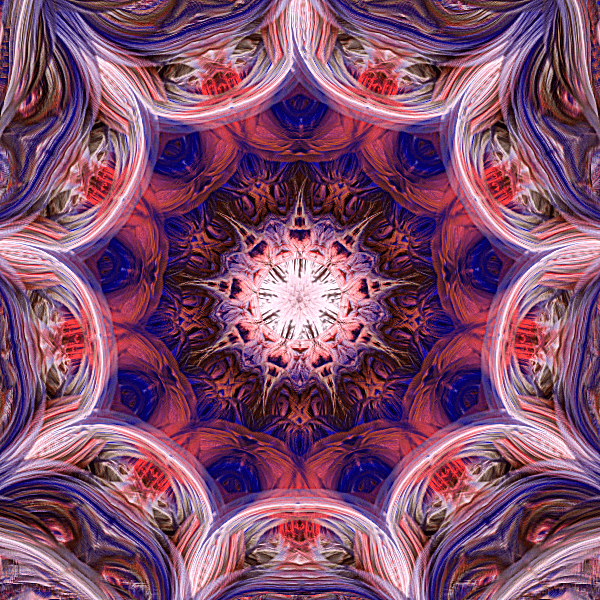
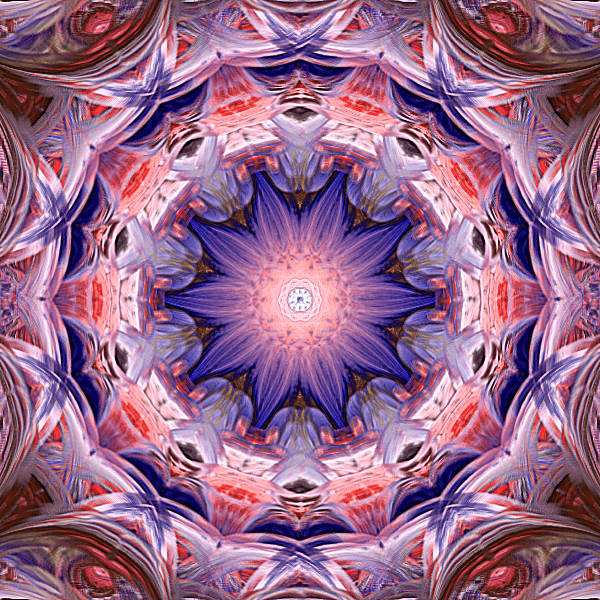
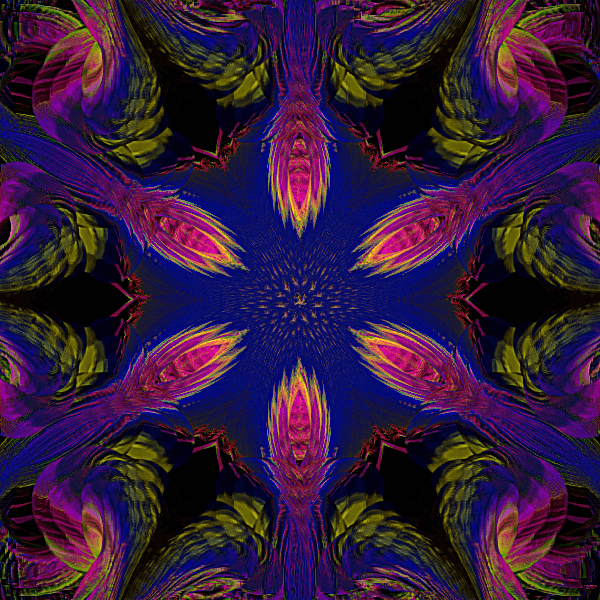


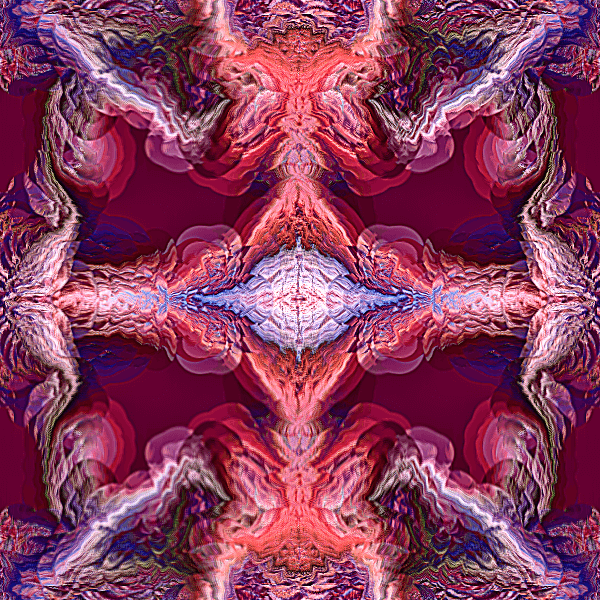
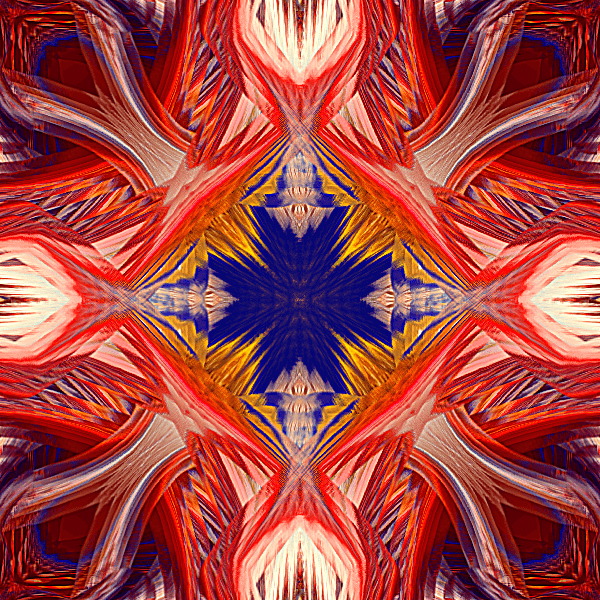
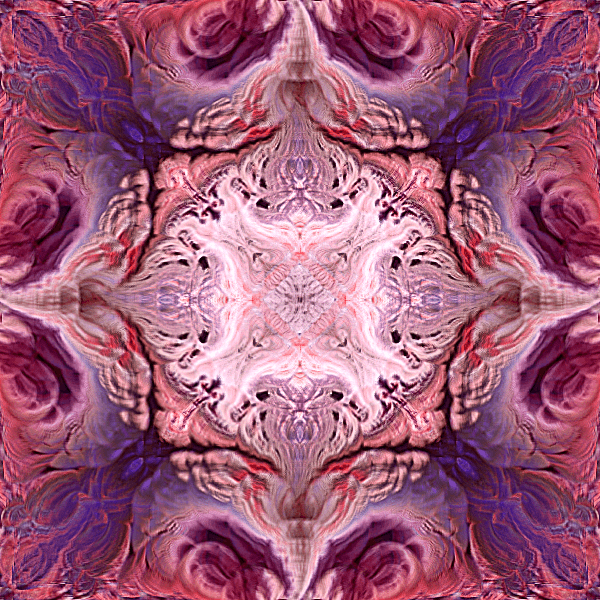
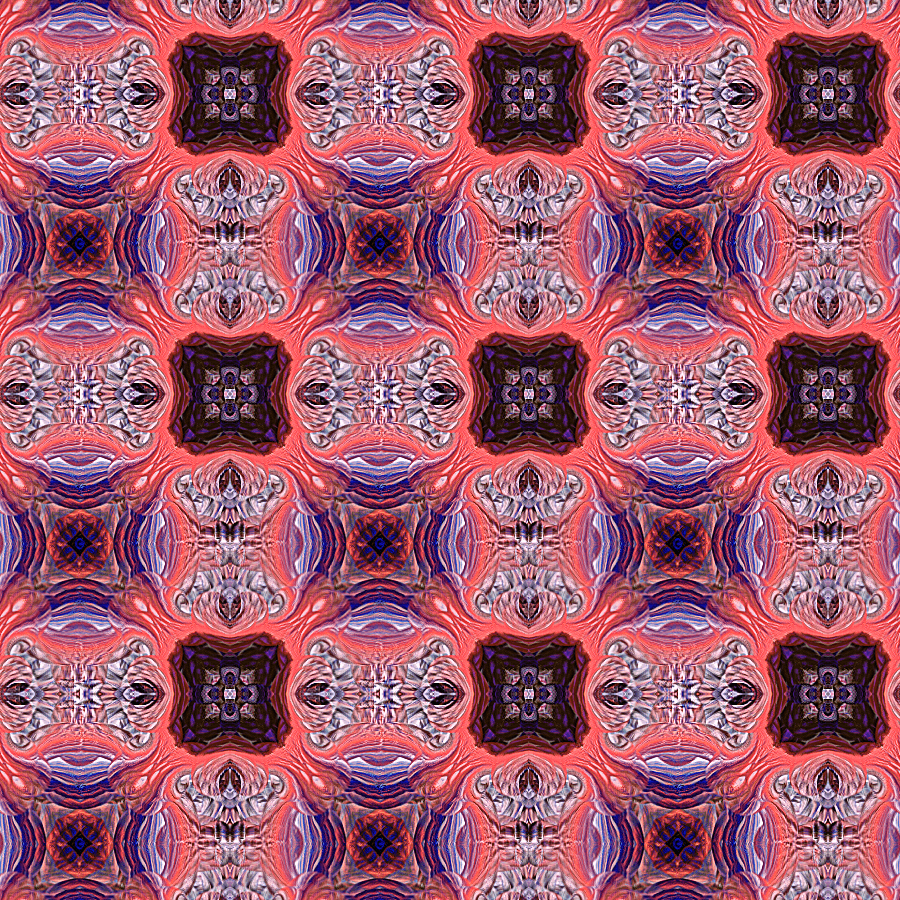
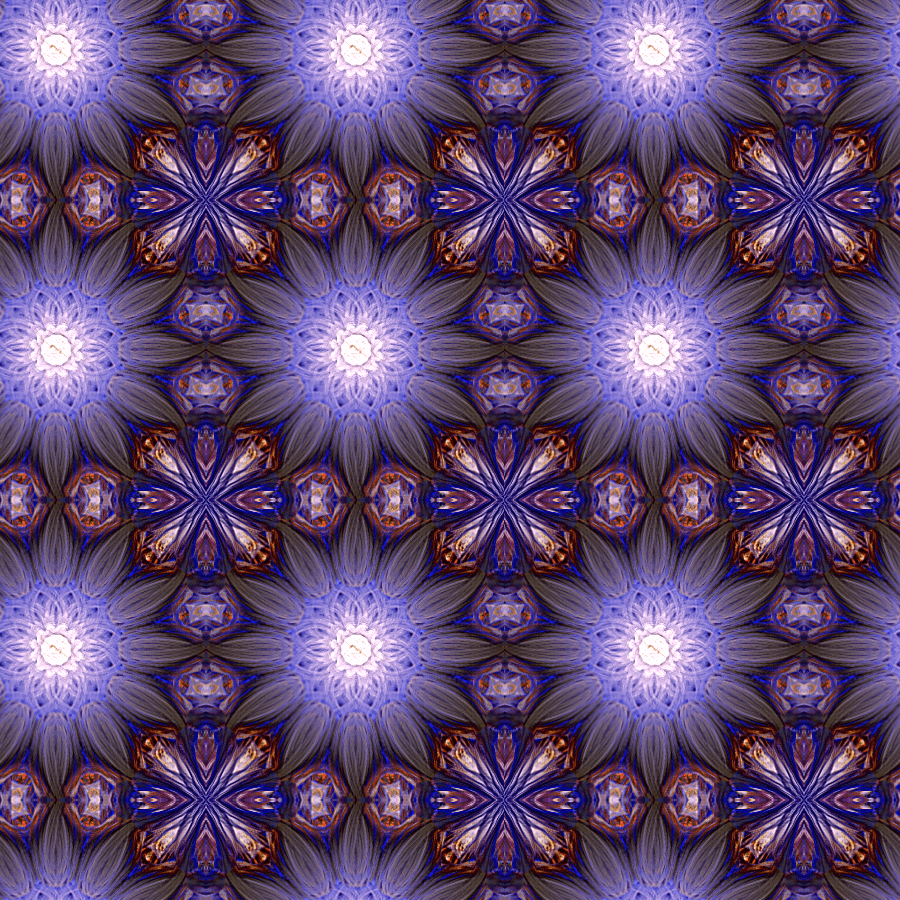
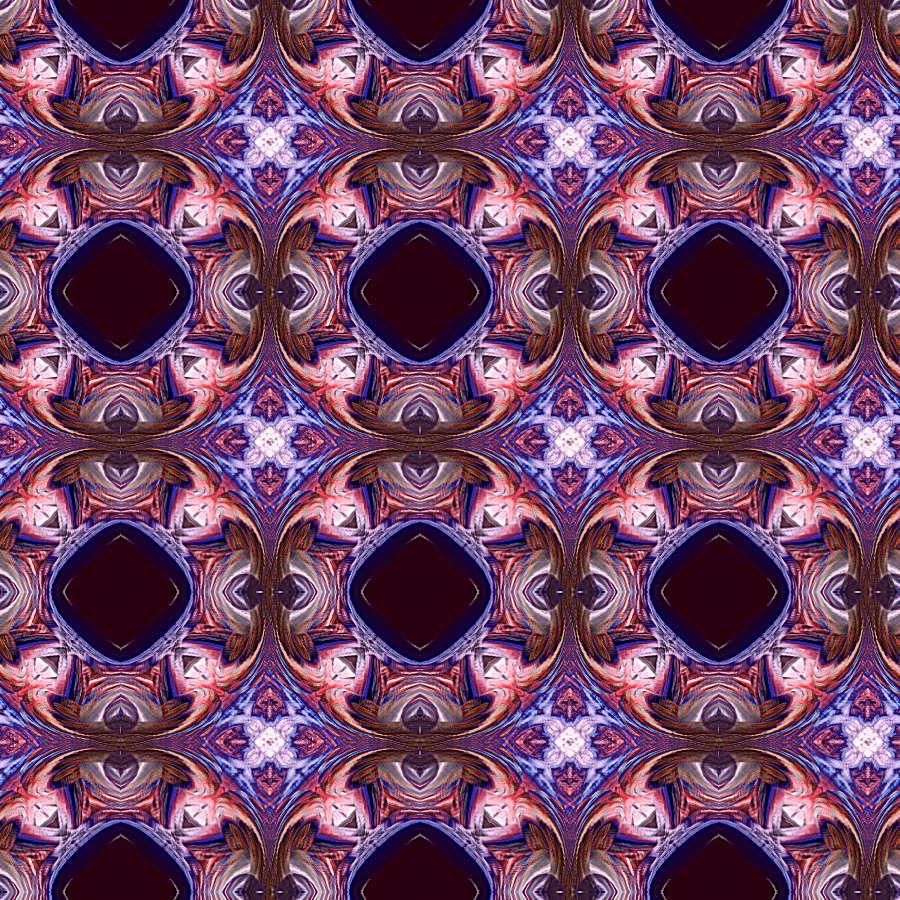
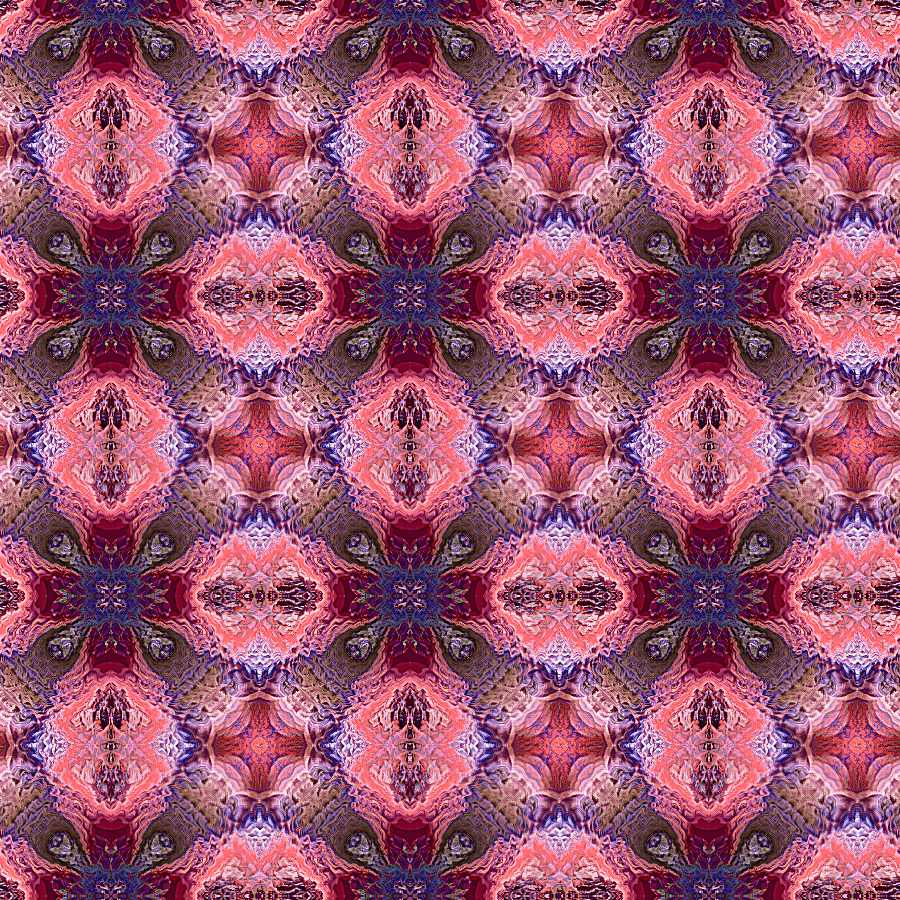
Welcome to the world of endless creativity with the Premium - Supernatural ArtSet for Pixarra paint software. This comprehensive collection of 60 meticulously designed brushes is your gateway to producing extraordinary digital artwork that transcends the ordinary.
Each brush within the Supernatural ArtSet has been crafted to not only serve your artistic vision but to elevate it. These tools are more than mere brushes—they are instruments of imagination, enabling you to conjure visuals that resonate with depth, complexity, and a touch of the ethereal.
Whether you are a seasoned professional or an enthusiastic beginner, this ArtSet is tailored to fit your creative process. The brushes are diverse in their capabilities, offering seamless tiling for expansive canvases and the precision necessary for singular masterpieces. Their unique properties allow for the creation of patterns that interlock with hypnotic symmetry and vibrant interplay of color, providing a canvas for you to build upon with ease.
Each brush within the Supernatural ArtSet has been crafted to not only serve your artistic vision but to elevate it. These tools are more than mere brushes—they are instruments of imagination, enabling you to conjure visuals that resonate with depth, complexity, and a touch of the ethereal.
Whether you are a seasoned professional or an enthusiastic beginner, this ArtSet is tailored to fit your creative process. The brushes are diverse in their capabilities, offering seamless tiling for expansive canvases and the precision necessary for singular masterpieces. Their unique properties allow for the creation of patterns that interlock with hypnotic symmetry and vibrant interplay of color, providing a canvas for you to build upon with ease.
|
Included Brushes
1. Serpent 2. Blood Knight 3. Growth 4. Ice Castle 5. Fire Star 6. Sorceress 7. Secret Emblem 8. Omnipotent 9. Ancient Treasure 10. Mythical Realm 11. Nine 12. Desert Temple 13. Den of Evil 14. The Conjuring 15. Induced 16. Avian 17. The Gathering 18. Crossroads 19. Reach 20. Beastly |
21. Mystic Jungle 22. Wild Things 23. Triceratops 24. Spawn 25. Binding 26. Aquatic 27. Deep Sea 28. Volcanic Cave 29. Totem 30. Forgotten 31. Veiled 32. Wizard 33. Trance 34. Jagged Edge 35. Neon Forge 36. String Theory 37. Creeper 38. Supernatural v2 39. The Joker 40. Summoned |
41. Cloud Realms 42. Bioforming 43. Scream 44. Gate 45. Entangled 46. Temple 47. Crest 48. Chamber 49. Chamber 9 50. Pentograph 51. Kaleido Chamber 52. Kaleido Scream 53. Kaleido Cloud Realms 54. Kaleido Neon Forge 55. Kaleido Jagged Edge 56. Kaleido Spawn 57. Kaleido Supernatural v2 58. Kaleido Mystic Jungle 59. Kaleido The Gathering 60. Pro Clip Fill |
Licensed version any of:
Pro Studio v26.05 or later
Paint Studio v5.05 or later
Tree Studio v5.05 or later
If you own any of the following:
TwistedBrush Pro Studio v26
TwistedBrush Pro Studio Perpetual license
Paint Studio v5
Tree Studio v5
Studio Bundle v5
Studio Bundle Perpetual license
You can upgrade to the specified versions for free by downloading the software from the Pixarra Downloads page and activate with your license key.
Pro Studio v26.05 or later
Paint Studio v5.05 or later
Tree Studio v5.05 or later
If you own any of the following:
TwistedBrush Pro Studio v26
TwistedBrush Pro Studio Perpetual license
Paint Studio v5
Tree Studio v5
Studio Bundle v5
Studio Bundle Perpetual license
You can upgrade to the specified versions for free by downloading the software from the Pixarra Downloads page and activate with your license key.
Installation Instructions
Usage Notes
How to Use (General Notes) Consider these just a general guideline, as with most Pixarra brushes, use them in the way that works best for you.
Randomize a Brush
Many of the brushes in this ArtSet are designed to produce usable results when using the Random (M) button on the Brush Control panel. Click the Random (M) button or press the “m” key on your keyboard, and the selected brush will be randomized to create a brand-new brush.
Note: Randomizing a brush will only change the exposed values in the Brush Control Panel.
Single Stroke Brushes
The brushes within this ArtSet are optimized for use with single strokes. Initiating a stroke will clear the canvas, and upon completion, filters are applied automatically to enrich the visual output. If preferred, these automatic actions can be disabled via the Brush Control panel, providing the flexibility to manually craft images with multiple brush strokes.
Note: For best results end your stroke outside of the drawing canvas, ideally when you no longer see paint updates occurring as you move your mouse/stylus.
Creating Tiles
To create a seamless tile, begin by crafting a single tile image. Optimal results are achieved with square dimensions, ideally ranging from 300x300 to 600x600 pixels. Typically, you would create your image with a single stroke. After the image is completed, copy it to the clipboard using either the menu options, the copy tool, or the shortcut Ctrl+C. This image may then be stored in the Clips panel for future use or used immediately with the Pro Clip Fill brush. To utilize the Pro Clip Fill brush, proceed to a larger canvas. It is recommended to adjust the brush size to match that of the created tile. A single dab on the new canvas will allow the tile image to automatically populate the page, creating a seamless tiled effect.
Creating Standalone Designs
To create standalone designs with the brushes from the Premium - Supernatural ArtSet, start by selecting an appropriate canvas size; square formats between 400x400 and 800x800 pixels are recommended for the best results.
Using a chosen brush from the ArtSet, apply a single stroke to the canvas. This technique is usually sufficient to produce a complete and intricate design, thanks to the sophisticated behavior of the brushes which are engineered to unleash their full potential in a single gesture.
Once you've crafted your design, there's no need for additional steps like copying to clipboard or using the Pro Clip Fill brush. The image you've created is now a standalone piece, ready to be saved, exported, or incorporated into larger works of digital art as an independent element.
Legal Agreement
- Download the Artset ZIP file
- Unzip the Artset somewhere
- To Import the Artset, use the menu File -> Import ArtSet and select the .pre file to import it. It should copy it to the right place.
- Click on any brush slot in the Brush Shortcuts panel to open the Select Brush dialog box.
- The ArtSet will appear in a Premium category at the top of the ArtSet list.
Usage Notes
How to Use (General Notes) Consider these just a general guideline, as with most Pixarra brushes, use them in the way that works best for you.
Randomize a Brush
Many of the brushes in this ArtSet are designed to produce usable results when using the Random (M) button on the Brush Control panel. Click the Random (M) button or press the “m” key on your keyboard, and the selected brush will be randomized to create a brand-new brush.
Note: Randomizing a brush will only change the exposed values in the Brush Control Panel.
Single Stroke Brushes
The brushes within this ArtSet are optimized for use with single strokes. Initiating a stroke will clear the canvas, and upon completion, filters are applied automatically to enrich the visual output. If preferred, these automatic actions can be disabled via the Brush Control panel, providing the flexibility to manually craft images with multiple brush strokes.
Note: For best results end your stroke outside of the drawing canvas, ideally when you no longer see paint updates occurring as you move your mouse/stylus.
Creating Tiles
To create a seamless tile, begin by crafting a single tile image. Optimal results are achieved with square dimensions, ideally ranging from 300x300 to 600x600 pixels. Typically, you would create your image with a single stroke. After the image is completed, copy it to the clipboard using either the menu options, the copy tool, or the shortcut Ctrl+C. This image may then be stored in the Clips panel for future use or used immediately with the Pro Clip Fill brush. To utilize the Pro Clip Fill brush, proceed to a larger canvas. It is recommended to adjust the brush size to match that of the created tile. A single dab on the new canvas will allow the tile image to automatically populate the page, creating a seamless tiled effect.
Creating Standalone Designs
To create standalone designs with the brushes from the Premium - Supernatural ArtSet, start by selecting an appropriate canvas size; square formats between 400x400 and 800x800 pixels are recommended for the best results.
Using a chosen brush from the ArtSet, apply a single stroke to the canvas. This technique is usually sufficient to produce a complete and intricate design, thanks to the sophisticated behavior of the brushes which are engineered to unleash their full potential in a single gesture.
Once you've crafted your design, there's no need for additional steps like copying to clipboard or using the Pro Clip Fill brush. The image you've created is now a standalone piece, ready to be saved, exported, or incorporated into larger works of digital art as an independent element.
Legal Agreement
Other Products From Pixarra
TwistedBrush Pro Studio Unlimited Digital Art |
Paint Studio Natural Media Painting |
|
|
|
Other Products From Pixarra
|
|

|
Studio Bundle Collection of Art Software |