|
|
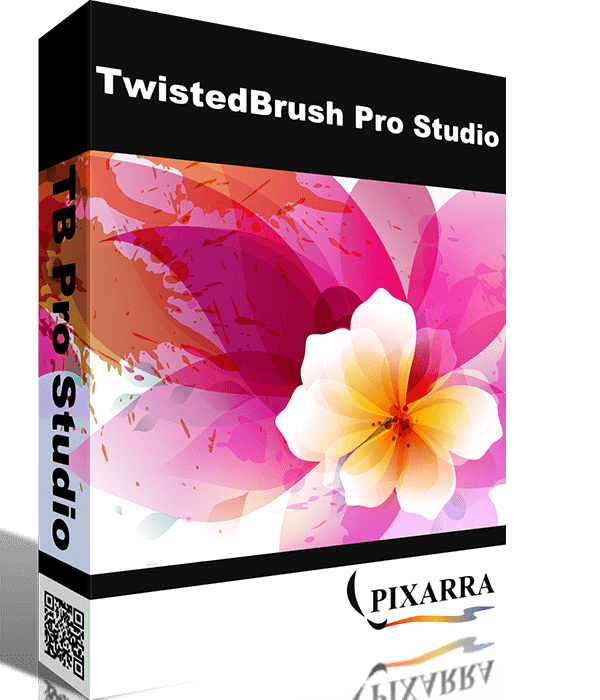
TwistedBrush Pro Studio:
TwistedBrush Pro Studio includes everything that
TwistedBrush has to offer including over 5000 brushes
and full brush editing all at a great price. Great for
original digital painting, photo editing and
all forms of digital art.
|
|
|
|
|
|
|
|
|
Layers and Transparency:
TwistedBrush fully supports transparency and layers
with all the standard layer mixing modes plus many unique
mixing modes that can't be found anywhere else.
|
|
|
|
Masks:
Extensive mask support for protecting and selecting
parts of your work. Use the Magic Wand tool with the
wide range of options for creating masks or use masking
brushes to paint your masks.
|
|
|
|
Cloning: With the cloning brushes included in TwistedBrush Pro Studio
and available for TwistedBrush Open Studio you can do
all the standard cloning actions for photo touchup or
convert your photos into the look of paintings or drawings.
|
|
|
|
Tracing Paper: A drawing
guide that allows you to see another image below your
current image. Great when used with cloning brushes
or just for a guide for proportions and layout.
|
|
|
|
Image Formats: In addition
to the TwistedBrush specific file formage, TBR, all
the leading industry standard image formats are supported
including, JPEG,
GIF, PNG, TIFF, TGA, PCX, PSD, BMP,
PCD, WMF and EMF.
|
|
|
|
Drawing Tablet Support:
Experience expressive drawing and painting wth the drawing
tablet support with high precision sampling and pressure
sensitivity.
|
|
|
|
Drawing Guides: With
over 40 guides drawing precise images is easy. From
simple grids and snap to grids to complex 3D perspectives,
all drawing guides can be layered together with 8 guides
active and any one time.
|
|
|
|
Powerful Brush Engine:
Perhaps the most powerful image editing brush engine
in existence anywhere. A single system with the flexibility
and performance to mimic full natural media brushes,
complex blending operations, very specialize procedural
object painting such as single stroke trees and everything
in between.
|
|
|
|
Brush Editing: With
TwistedBrush Pro Studio full brush editing capabilities
are included. Using a specialized sequencing system
over 350 brushes effects and 150 time envelopes modify
the core brush types to produce the wide range of brushes.
Share your brushes with other or import the brush codes
from other users for an unlimited supply of brushes.
|
|
|
|
64 Bit Imaging: Internally
a full 64 bits of color information is used per pixel
to accomplish the incredible blending found in TwistedBrush.
|
|
|
|
Image Processing Filters:
Over 150 image processing filters give you the tools
to manipulate your photos or other work. From all the
common image processing filters to exceptional filters
found no where else such as the Value Blur, Photo Pop,
Photo Detailer or Outliner filters.
|
|
|
|
Lua Scrpt Filters:
The growing standard of GLUAS for using the Lua scripting
language for writing image processing filters is included.
TwistedBrush extends the standard with additional methods
for programmers to create even better filters for sharing
with the TwistedBrush user base.
|
|
|
|
Extensive Tool Set:
In addition to some of the tools already listed a full
range of tools are at your disposal including, Color
Picker, Brush Cleaner, Selection, Crop, Move, Line,
Rectangle, Ellipse, Paint Bucket, Gradients, Mask Rectangle,
Mask Ellipse, Mask Wand, Image Warp, Script Brush, Copy
tool, Paste tool, Unmask Grid Cell, Text, Pan, Rotate
Brush, Drawing Guides and Adjust Brush tools
|
|
|
|
Color Palettes: A large
array of color palettes, including, dynamic color palettes
and mixing color palettes are included or create your
own palettes from sampling an existing image or automatically
creating ramps of colors.
|
|
|
|
Many More Features:
Explore the wealth of other features such as Blob Modeling,
Mask Filters, Alpha Channel Filters, Editing ArtSets
for brush management, References Images, Pattern Explorer,
Recording your work directly to video, Recording your
work to a script that can be played back, Page Explorer,
Random Brush Generation, Auto Page Saving, high performance
Undo and Redo, Create a PDF Slideshow, Scanning, Lanczos3
Image Scaling, Paper Textures and of course the extensive
range of available brushes!
|
|
|
|
More Info: Still looking
for more information? Visit these links in the Pixarra
Forum. Forum Quick
Start Pages (many screenshots can be seen
here) FAQ Full
Release History Videos Gallery
|
|
|
|
System Requirements:
|
- Windows
95/98/me/2000/NT/XP/Vista
-
500mb disk
space
-
512mb RAM (1gb or more
recommended)
|
|
|